How to Post to Threads API (The Easy Way)
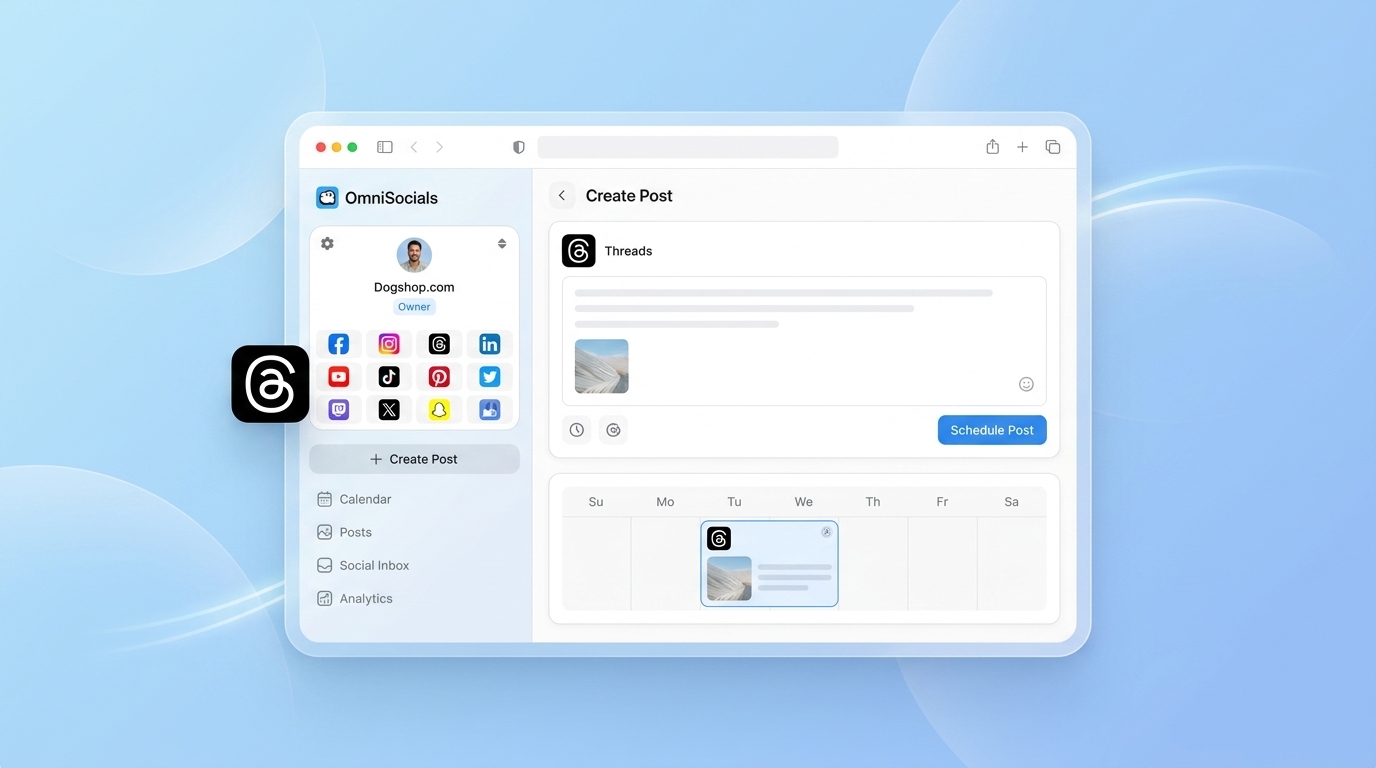
Meta launched the Threads API in December 2023. It's functional, but getting your first post live requires a developer app, Threads API permission approval, implementing OAuth 2.0, and dealing with token refresh logic.
For a developer who just wants to post to Threads from their automation script, that setup is significant overhead.
This guide shows two paths: what the native Threads API setup looks like (so you know what you're opting into), and how to use the OmniSocials API to post to Threads with one endpoint and no Meta developer portal required.
Does Threads have an API?
Yes. Meta launched the Threads API in December 2023. It supports creating text posts, image posts, video posts, and replies, plus reading post metrics. Access requires creating a Meta developer app, applying for Threads API permission, and implementing OAuth 2.0 token management. Alternatively, the OmniSocials API provides Threads posting through a single endpoint — connect your account once, then post with one authenticated request.
The Native Threads API Setup (What You're Opting Into)
If you decide to use Meta's native Threads API directly, here's what the setup looks like:
Step 1: Create a Meta developer app Go to developers.facebook.com, create a new app, add the Threads product.
Step 2: Apply for Threads API access Threads API access isn't automatic — you need to apply and wait for approval. For basic posting, this is typically granted, but there's a waiting period.
Step 3: Implement OAuth 2.0 Threads uses the same OAuth 2.0 flow as Instagram. Your users (or you, for personal use) need to authorize the app. Short-lived access tokens expire in an hour; you need to implement long-lived token generation and periodic refresh.
Step 4: Publish a post Once authorized, creating a post is a two-step process:
- Create a media container:
POST /{threads-user-id}/threadswith your content - Publish the container:
POST /{threads-user-id}/threads_publishwith the container ID
That's the native path. Not impossible, but meaningful setup time before you can post a single test message.
Posting to Threads with OmniSocials API (3 Steps)
Step 1: Connect Threads to OmniSocials
Log into OmniSocials, go to Settings > Connected Accounts, and click Connect next to Threads. This walks through the Instagram/Threads OAuth once — you authorize OmniSocials to post on your behalf.
This is the only OAuth step. You don't need a Meta developer app or API approval.
Step 2: Get your API key
Go to Settings > API in OmniSocials and generate an API key.
Step 3: Post to Threads
// JavaScript / Node.js
const response = await fetch('https://api.omnisocials.com/v1/posts', {
  method: 'POST',
  headers: {
    'Authorization': 'Bearer YOUR_API_KEY',
    'Content-Type': 'application/json',
  },
  body: JSON.stringify({
    text: 'Building in public — shipped a new API endpoint today.',
    platforms: ['threads'],
  }),
});

const { data } = await response.json();
console.log(`Posted: ${data.id}`);
# Python
import requests

response = requests.post(
    'https://api.omnisocials.com/v1/posts',
    headers={'Authorization': 'Bearer YOUR_API_KEY'},
    json={
        'text': 'Building in public — shipped a new API endpoint today.',
        'platforms': ['threads'],
    }
)
post = response.json()['data']
print(f"Posted: {post['id']}")
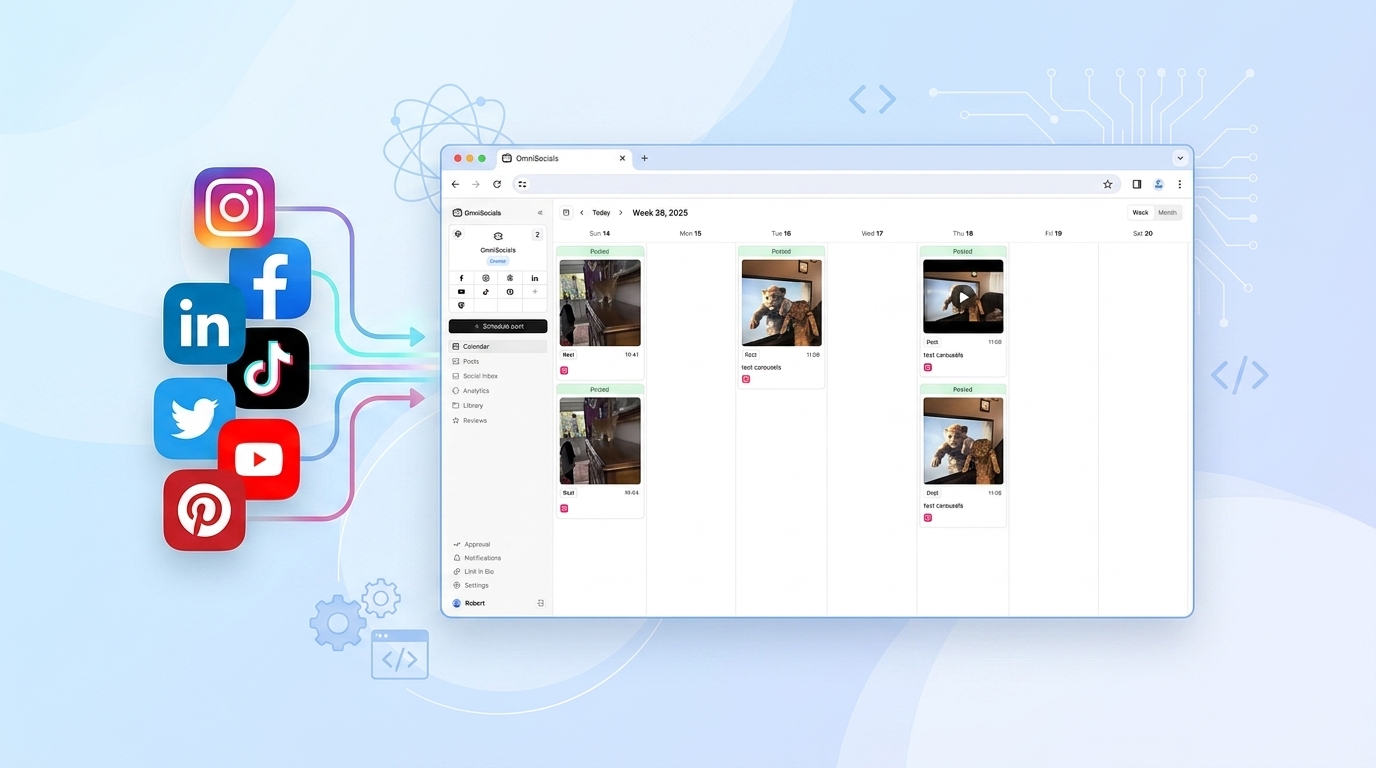
That's it. The same call that posts to Threads can also post to Instagram, LinkedIn, Bluesky, or any combination — just add them to the platforms array.
Posting to Multiple Platforms at Once
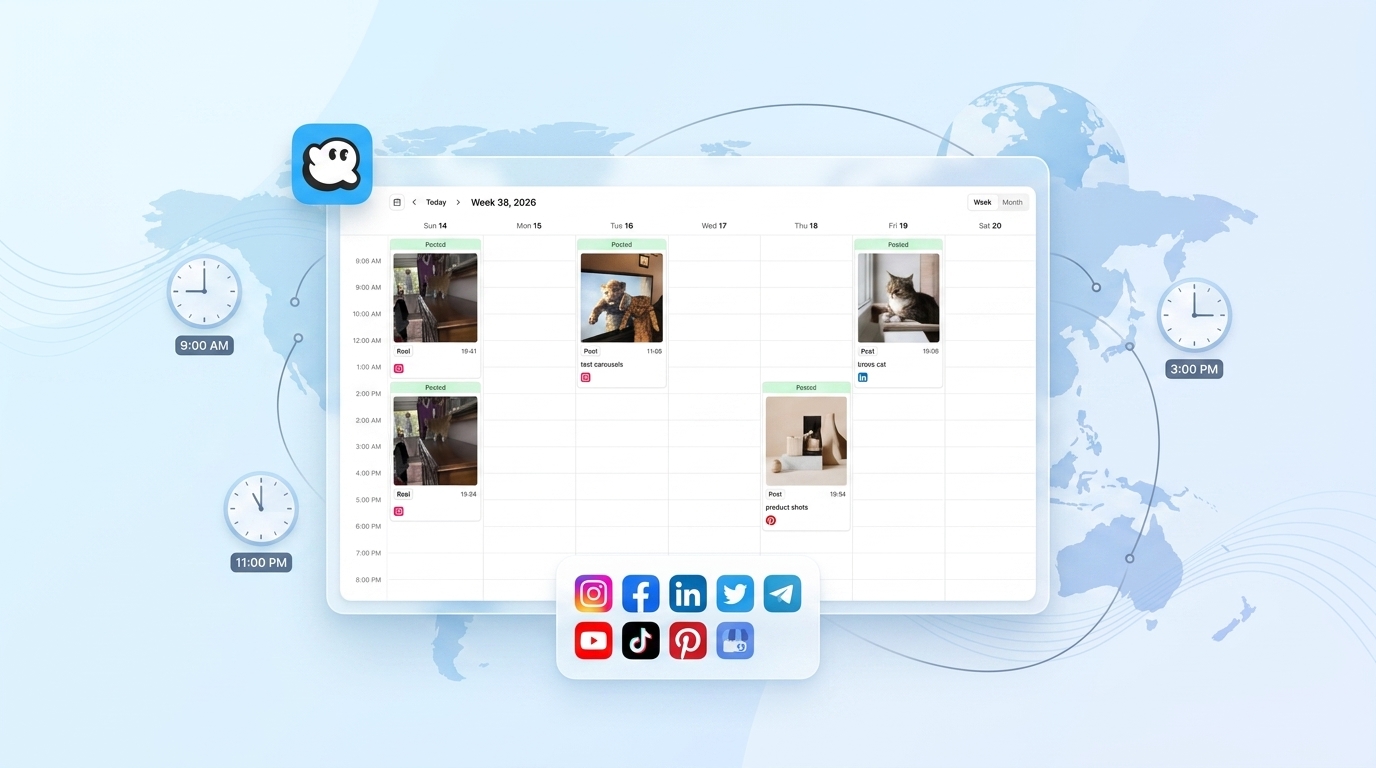
The value of using a unified API becomes clear when you want to post to Threads and other platforms simultaneously:
body: JSON.stringify({
  text: 'Just published: How we reduced churn by 40% in 3 months.',
  platforms: ['threads', 'bluesky', 'linkedin', 'twitter'],
  // Post goes to all four platforms in one request
})
Without a unified API, this would be 4 separate authenticated requests to 4 different endpoints.
Scheduling Threads Posts
Add scheduled_at (ISO 8601, UTC) to any post request:
body: JSON.stringify({
  text: 'Monday morning thought: consistency beats intensity.',
  platforms: ['threads', 'bluesky'],
  scheduled_at: '2026-04-14T07:00:00Z',
})
The native Threads API doesn't support scheduling — posts publish immediately. The OmniSocials API handles scheduling on the backend, firing the Threads publish call at the specified time.
Attaching Images to Threads Posts
Upload the image first, then reference the URL:
// Upload
const form = new FormData();
form.append('file', fs.createReadStream('./image.png'));

const { data: { url } } = await (await fetch(
  'https://api.omnisocials.com/v1/media/upload',
  { method: 'POST', headers: { 'Authorization': 'Bearer YOUR_API_KEY' }, body: form }
)).json();

// Post with image
await fetch('https://api.omnisocials.com/v1/posts', {
  method: 'POST',
  headers: { 'Authorization': 'Bearer YOUR_API_KEY', 'Content-Type': 'application/json' },
  body: JSON.stringify({
    text: 'Screenshot of the new dashboard:',
    media: [url],
    platforms: ['threads'],
  }),
});
OmniSocials handles the Threads-specific media format requirements automatically.
Threads-Specific Constraints to Know
Character limit: 500 characters. Keep your text under this or it will fail validation.
Link previews: Not supported natively. If you include a URL in the text, it shows as plain text — no preview card appears. This is a Threads API limitation, not an OmniSocials limitation.
Video: Supported via media attachment. Threads accepts video up to 5 minutes.
Carousels: Not currently supported via the Threads API (as of April 2026). Multi-image posts require the Threads app directly.
Replies: The OmniSocials API currently handles top-level posts. Threaded replies are managed in the OmniSocials dashboard.
Threads vs. Instagram via API
Both Threads and Instagram are Meta platforms. Via the OmniSocials API, they behave similarly — same endpoint, same auth. The practical differences:
| Threads | ||
|---|---|---|
| Character limit | 500 chars | 2,200 chars |
| Link previews | No | No (captions only) |
| Image support | Yes | Yes |
| Video support | Yes (5 min) | Yes (Reels via API) |
| Carousel | No | Yes |
| Stories | No | No (API limitation) |
| Scheduling support | Via OmniSocials | Via OmniSocials |
For details on posting to Instagram via API, see post to Instagram API. For the Threads scheduler (visual scheduling without code), see Threads scheduler.
Start posting to Threads via API. OmniSocials — $10/mo → — 11 platforms, one endpoint. Full docs at docs.omnisocials.com.
Frequently Asked Questions
Does Threads have an API?
Yes. Meta launched the Threads API in December 2023. It supports text posts, media posts, replies, and reading metrics. Access requires a Meta developer app and Threads API permission approval. OmniSocials API provides an alternative approach: connect your Threads account to OmniSocials once, then post via the OmniSocials endpoint without managing separate OAuth.
How do I post to Threads programmatically?
Via OmniSocials API: connect your Threads account in OmniSocials dashboard (one-time), get an API key from Settings > API, then POST to https://api.omnisocials.com/v1/posts with "platforms": ["threads"] in the body. No Meta developer app required.
What are the Threads API character limits?
Threads posts are limited to 500 characters. Link previews are not natively supported — URLs display as plain text. Images and videos are supported as media attachments.
Can I schedule Threads posts via API?
Yes, via OmniSocials API. Include scheduled_at (ISO 8601 UTC timestamp) in the POST request. The native Threads API does not support scheduling — posts publish immediately when created via Meta's API.
Can I post to Threads and other platforms at the same time?
Yes, via OmniSocials API. Add multiple platforms to the platforms array in a single request: "platforms": ["threads", "instagram", "linkedin", "bluesky"]. One API call posts to all four simultaneously.
Sources
- Threads API Documentation — Meta's official Threads API docs
- OmniSocials API Docs — Endpoint reference
- Meta Developer App Setup — Developer app creation guide