For real estate agents

Social media management for real estate

Post listings and open houses to 13 platforms and Google Business from one calendar, and answer every lead from one inbox. $10 a month.

Claude is planning your launch post…

Supported platforms
FacebookPlan your Page posts, Stories and Reels together, and keep your next update ready to go.
Schedule Facebook posts
Why it fits

More showings, less screen time. Social media is part of the job. It should not take the whole day.

  • “Social media is a time sink.”Plan a week of listings in one sitting.Write a listing post once, pick the channels and drop it on a day. The calendar shows what goes out where, on every platform.
  • “Leads slip through my DMs.”Every comment and DM in one inbox.Instagram, Facebook, TikTok, YouTube and more land in one list. Comment-to-DM sends the listing link to everyone who comments a keyword on Instagram or your Facebook Page.
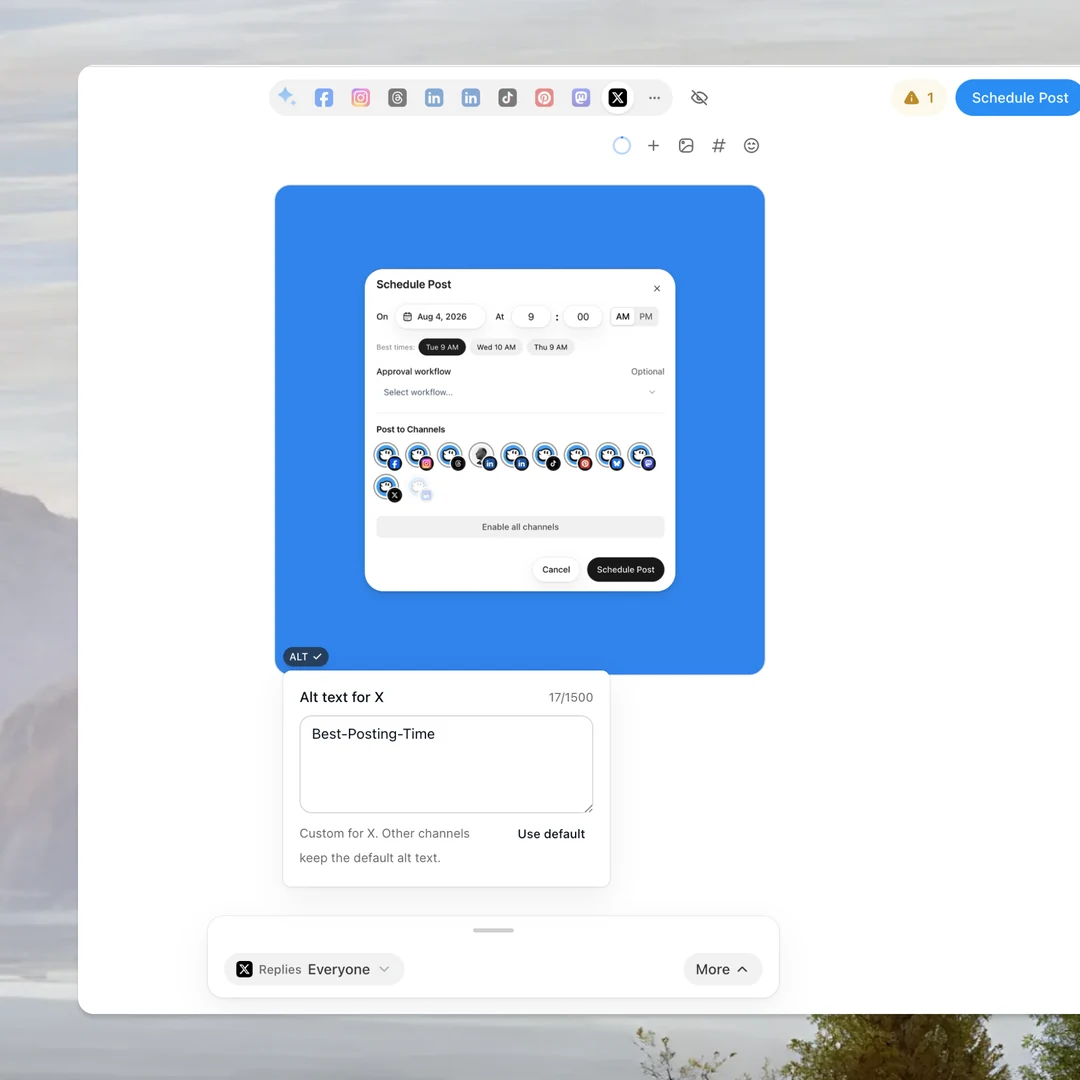
  • “My brokerage wants to check what I post.”An approval step before anything goes live.Send posts to your broker or team lead first. They approve or ask for changes in the app, and nothing publishes until someone signs off.
How it works

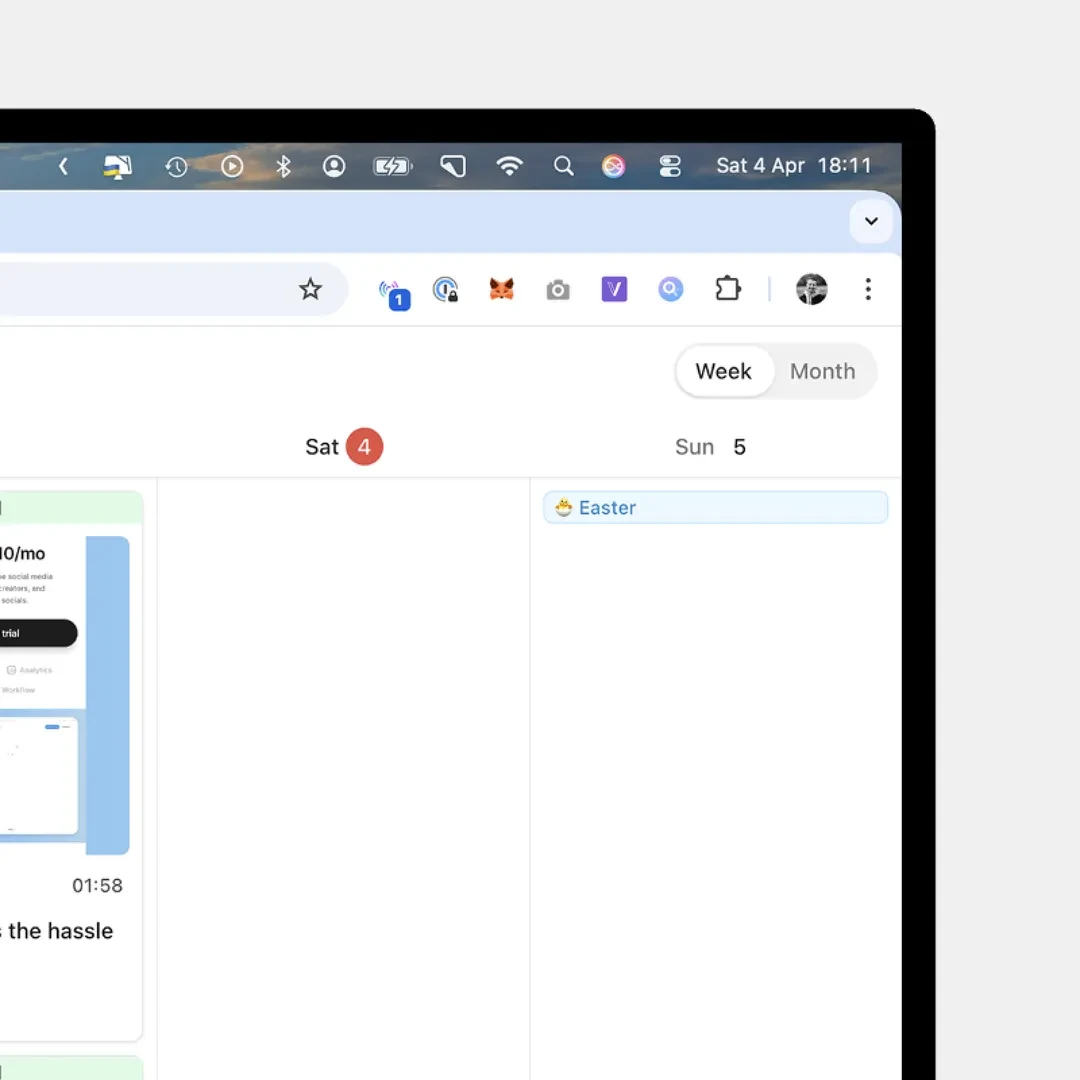
Listings, open houses and market updates, planned in one calendar and answered in one inbox.

Formats

Open houses on Google, as events. Post updates, events and offers to your Google Business Profile, with a button like Book or Call now.

  • Updates with a button.

    Your text and one image, with a button under it: Learn more, Book, Order online, Buy, Sign up or Call now.

    • One image
    • Six buttons
    • Button link
  • Events with a start and an end.

    Give the post an event title and dates. Google shows them above your text.

    • Event title
    • Starts
    • Ends
  • Offers people can redeem.

    A title, the dates it runs, a coupon code or a redeem link, and your terms.

    • Coupon or redeem link
    • Valid dates
    • Terms
  • Captions checked before they go out.

    Google turns down a post with a phone number or a link in the text. OmniSocials flags it before you schedule and moves you to a button.

    • No links in the text
    • No phone numbers
    • Call now button
Price

One plan, one price. Most tools charge per channel or per user. You pay for the setup you have.

One workspaceConnect one account on each channel:


  • 1 Facebook Page
  • 1 Instagram account
  • 1 LinkedIn Profile
  • 1 LinkedIn Page
  • 1 Threads profile
  • 1 TikTok account
  • 1 YouTube channel
  • 1 Pinterest account
  • 1 Bluesky account
  • 1 Mastodon account
  • 1 X account
  • 1 Google Business Profile
  • 1 Telegram channel or group
  • 1 Discord channel
  • Schedule posts, stories & reels
  • All 13 social platforms
  • Unlimited scheduled posts
  • Social inbox
  • Analytics & reports
  • AI assistant (MCP) + full API
Everything is included. No feature gates, no per-channel fees.
Build your plan
$10Save $24/yr
1 seat × $10 a month, billed annually
WorkspacesBase plan, $10 each
1
Team membersAdd-on, $10 each
0
ClientsAdd-on, $10 each
0
Testimonials

Trusted by Agencies, Solo Founders, Developers & Small Businesses

Agency

Ansub Khan

Founder of Supafast

5 out of 5
“The MCP is the real game changer for me. It makes the whole workflow feel much faster and less messy.”

SaaS

Jens Schumacher

Co-founder of Released.so

5 out of 5
“I really like this app. I’ve tried quite a few other tools, but none of them managed to hit the sweet spot of simplicity and pricing the way Omnisocials does.”
Marketing agency

Niels Koelewijn

Founder of Frizzer

5 out of 5
“Very easy to use and very handy to schedule posts across platforms for my marketing agency.”

Solcardstory coming soon
Ideas

Real estate post ideas for this week. Six posts that bring in buyers and sellers.

  • Just listedPhotos or a short walkthrough, the price and one line about the best room.
  • Open houseA Google Business event with the date and time, plus a Story the day before.
  • Just soldThe keys handover, with your client's OK, and how long the home took to sell.
  • Market updateThree numbers from your area this month, in plain words.
  • Neighborhood guideA short video of the coffee spot, the park and the school run.
  • Buyer questionTake a question from your inbox and answer it in a post or a short video.

Frequently
Asked Questions

Robert Ligthart
Robert LigthartFounder of OmniSocials
Ask me a question

Last updated:

Robert Ligthart
Still have a question?Ask Robert, the founder
Ask