
Social Media API in Python: Working Examples (2026)
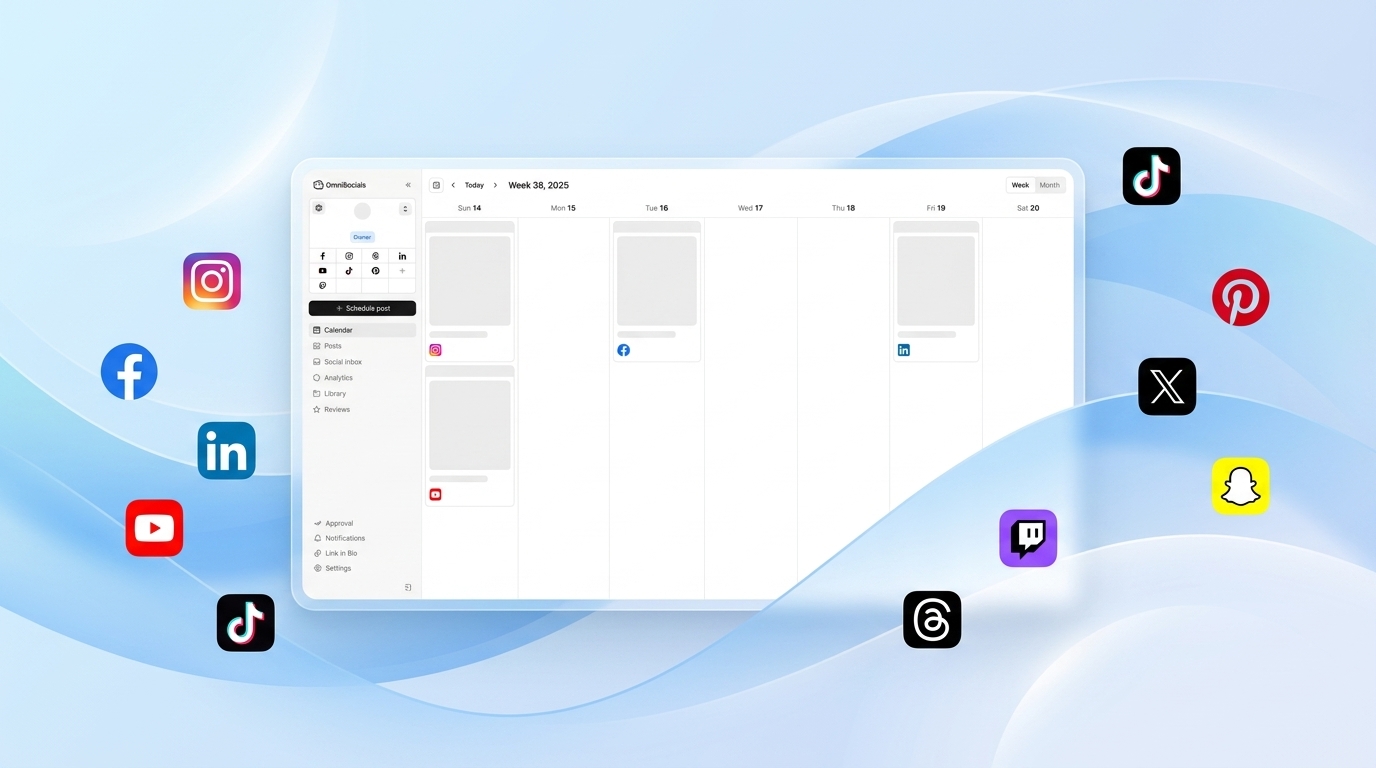
If you're searching "social media API Python," you already know what you need — a working script that posts to multiple platforms without a month of OAuth wrangling.
This guide gives you that. One API, one Python function, 11 platforms. By the end, you'll have a complete script that posts content, attaches images, schedules for later, and reads analytics.
How do you post to social media using Python?
The fastest approach: use a unified social media API. Sign up for OmniSocials, connect your social accounts, get an API key, and call a single /v1/post endpoint from Python with a platforms array. One requests.post() call posts to Instagram, LinkedIn, Twitter/X, Bluesky, TikTok, or all of them simultaneously — no per-platform SDK, no separate OAuth flow for each network.
Why a Unified API Instead of Platform-Specific SDKs?
The alternative is installing and maintaining a separate library for each platform:
- Tweepy for Twitter/X
- python-linkedin or linkedin-api for LinkedIn
- instagrapi for Instagram (unofficial, breaks regularly with Instagram updates)
- TikTok doesn't have a stable Python SDK
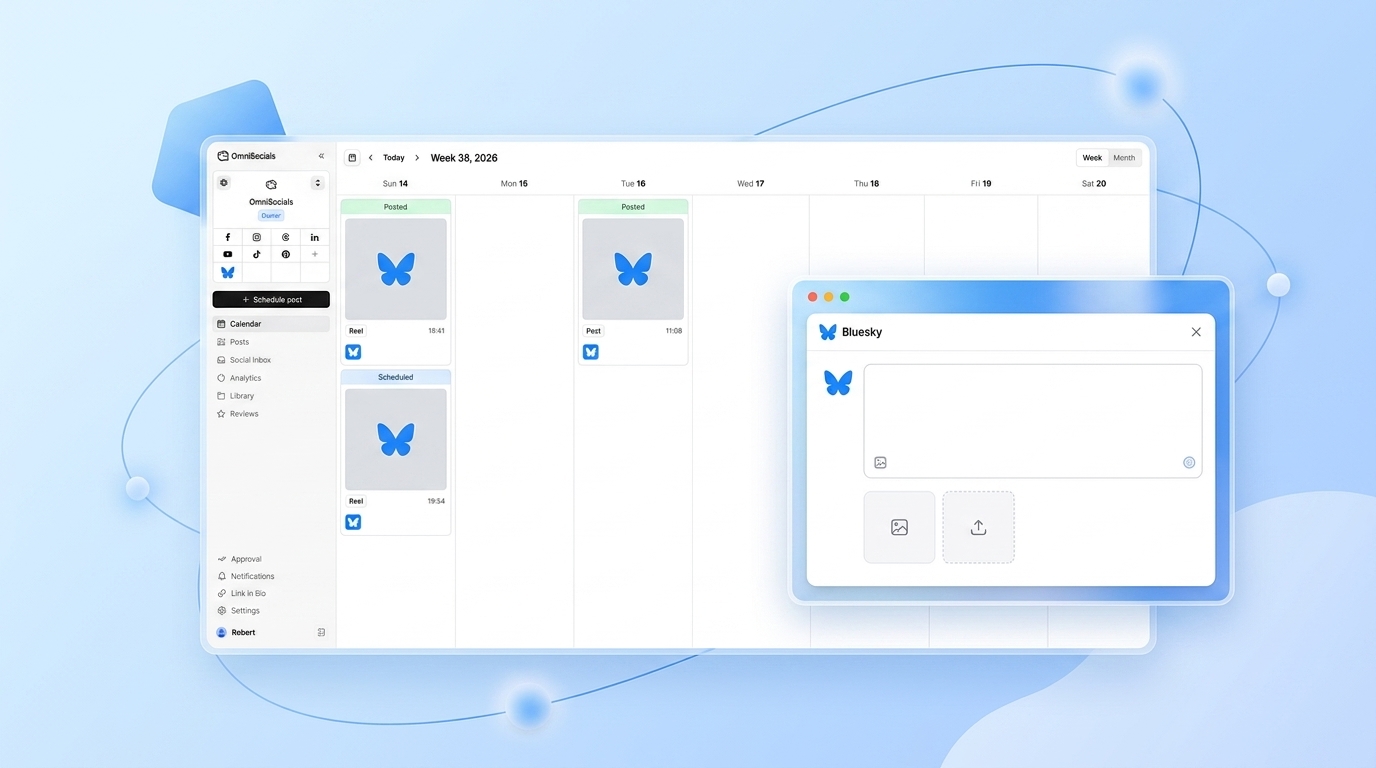
- Bluesky uses AT Protocol (atproto library)
Each library has different authentication models, different rate limit handling, and different maintenance states. When Instagram changes their API (they do, regularly), your instagrapi integration breaks.
A unified API like OmniSocials handles the platform-specific complexity on their end. You write one integration. It doesn't break when Instagram updates their API.
Setup (2 minutes)
Install requests:
pip install requests
Get your API key:
- Sign up at omnisocials.com
- Connect your social accounts via the dashboard (Instagram, LinkedIn, etc. — each takes ~2 minutes via OAuth)
- Go to Settings > API
- Click Generate API Key
- Store it securely:
export OMNISOCIALS_API_KEY="your-api-key-here"
Or in your Python script using a .env file:
import os
from dotenv import load_dotenv

load_dotenv()
API_KEY = os.getenv("OMNISOCIALS_API_KEY")
Your First Post: Twitter/X, LinkedIn, and Bluesky in 15 Lines
import requests
import os

API_KEY = os.getenv("OMNISOCIALS_API_KEY")
BASE_URL = "https://api.omnisocials.com/v1"

def post_to_social(platforms: list, text: str) -> dict:
    response = requests.post(
        f"{BASE_URL}/post",
        headers={
            "Authorization": f"Bearer {API_KEY}",
            "Content-Type": "application/json"
        },
        json={
            "platforms": platforms,
            "content": {"text": text}
        }
    )
    response.raise_for_status()
    return response.json()

# Post to three platforms at once
result = post_to_social(
    platforms=["twitter", "linkedin", "bluesky"],
    text="Just published a new Python tutorial. Link in the replies."
)

print(f"Posted: {result['post_id']}")
The platforms array accepts any combination of: twitter, linkedin, instagram, facebook, tiktok, pinterest, youtube, bluesky, threads, mastodon, google_business.
Attaching Images
To attach an image, include a media array with the image URL:
def post_with_image(platforms: list, text: str, image_url: str) -> dict:
    response = requests.post(
        f"{BASE_URL}/post",
        headers={
            "Authorization": f"Bearer {API_KEY}",
            "Content-Type": "application/json"
        },
        json={
            "platforms": platforms,
            "content": {
                "text": text,
                "media": [{"url": image_url}]
            }
        }
    )
    response.raise_for_status()
    return response.json()

result = post_with_image(
    platforms=["instagram", "linkedin"],
    text="New article is live. Here's the key takeaway.",
    image_url="https://your-cdn.com/your-image.jpg"
)
The API accepts direct image URLs. The image must be publicly accessible. Supported formats: JPEG, PNG, GIF, MP4 (video). The API handles platform-specific size and format requirements automatically.
Scheduling a Post
Add a scheduled_at field in ISO 8601 format:
from datetime import datetime, timezone, timedelta

def schedule_post(platforms: list, text: str, publish_at: datetime) -> dict:
    response = requests.post(
        f"{BASE_URL}/post",
        headers={
            "Authorization": f"Bearer {API_KEY}",
            "Content-Type": "application/json"
        },
        json={
            "platforms": platforms,
            "content": {"text": text},
            "scheduled_at": publish_at.isoformat()
        }
    )
    response.raise_for_status()
    return response.json()

# Schedule for tomorrow at 9am UTC
tomorrow_9am = datetime.now(timezone.utc).replace(
    hour=9, minute=0, second=0, microsecond=0
) + timedelta(days=1)

result = schedule_post(
    platforms=["linkedin", "twitter"],
    text="Dropping something new tomorrow. Stay tuned.",
    publish_at=tomorrow_9am
)

print(f"Scheduled: {result['post_id']} for {result['scheduled_at']}")
Reading Analytics
def get_analytics(post_id: str) -> dict:
    response = requests.get(
        f"{BASE_URL}/analytics/{post_id}",
        headers={"Authorization": f"Bearer {API_KEY}"}
    )
    response.raise_for_status()
    return response.json()

# Get analytics for a specific post
analytics = get_analytics("post_abc123")
print(f"Impressions: {analytics['impressions']}")
print(f"Engagements: {analytics['engagements']}")
print(f"Clicks: {analytics['clicks']}")
For account-level analytics (follower growth, reach trends), use:
def get_account_analytics(platform: str, days: int = 30) -> dict:
    response = requests.get(
        f"{BASE_URL}/analytics/account",
        headers={"Authorization": f"Bearer {API_KEY}"},
        params={"platform": platform, "days": days}
    )
    response.raise_for_status()
    return response.json()
Error Handling for Production Scripts
import requests
from requests.exceptions import HTTPError, ConnectionError, Timeout

def post_with_error_handling(platforms: list, text: str) -> dict | None:
    try:
        response = requests.post(
            f"{BASE_URL}/post",
            headers={
                "Authorization": f"Bearer {API_KEY}",
                "Content-Type": "application/json"
            },
            json={
                "platforms": platforms,
                "content": {"text": text}
            },
            timeout=30  # 30-second timeout
        )
        response.raise_for_status()
        return response.json()

    except HTTPError as e:
        if e.response.status_code == 401:
            print("API key invalid or expired. Check your OMNISOCIALS_API_KEY.")
        elif e.response.status_code == 422:
            print(f"Validation error: {e.response.json().get('message')}")
        elif e.response.status_code == 429:
            print("Rate limit hit. Add a delay and retry.")
        else:
            print(f"HTTP error {e.response.status_code}: {e.response.text}")
        return None

    except ConnectionError:
        print("Connection failed. Check network connectivity.")
        return None

    except Timeout:
        print("Request timed out. The post may or may not have been created.")
        return None
Common error codes:
401— Invalid or expired API key422— Validation error (text too long for platform, missing required field)429— Rate limit exceeded (add delays between bulk operations)503— Platform temporarily unavailable (the underlying social network is down)
Complete Working Script
Copy-paste ready:
"""
OmniSocials API — Python posting script
https://omnisocials.com

Install: pip install requests python-dotenv
Setup: Add OMNISOCIALS_API_KEY to your .env file
"""

import os
import requests
from datetime import datetime, timezone, timedelta
from dotenv import load_dotenv

load_dotenv()

API_KEY = os.getenv("OMNISOCIALS_API_KEY")
BASE_URL = "https://api.omnisocials.com/v1"
HEADERS = {
    "Authorization": f"Bearer {API_KEY}",
    "Content-Type": "application/json"
}


def post_now(platforms: list, text: str, image_url: str = None) -> dict:
    """Post immediately to one or more platforms."""
    payload = {
        "platforms": platforms,
        "content": {"text": text}
    }
    if image_url:
        payload["content"]["media"] = [{"url": image_url}]

    r = requests.post(f"{BASE_URL}/post", headers=HEADERS, json=payload, timeout=30)
    r.raise_for_status()
    return r.json()


def post_scheduled(platforms: list, text: str, publish_at: datetime, image_url: str = None) -> dict:
    """Schedule a post for a future date/time."""
    payload = {
        "platforms": platforms,
        "content": {"text": text},
        "scheduled_at": publish_at.isoformat()
    }
    if image_url:
        payload["content"]["media"] = [{"url": image_url}]

    r = requests.post(f"{BASE_URL}/post", headers=HEADERS, json=payload, timeout=30)
    r.raise_for_status()
    return r.json()


def get_post_analytics(post_id: str) -> dict:
    """Get analytics for a specific post."""
    r = requests.get(f"{BASE_URL}/analytics/{post_id}", headers=HEADERS, timeout=30)
    r.raise_for_status()
    return r.json()


if __name__ == "__main__":
    # Example: post now to LinkedIn and Twitter
    result = post_now(
        platforms=["linkedin", "twitter"],
        text="Testing the OmniSocials Python integration. Works great."
    )
    print(f"Posted: {result['post_id']}")

    # Example: schedule for tomorrow 9am UTC
    tomorrow = datetime.now(timezone.utc).replace(
        hour=9, minute=0, second=0, microsecond=0
    ) + timedelta(days=1)

    scheduled = post_scheduled(
        platforms=["bluesky", "mastodon"],
        text="Scheduled post via Python. OmniSocials API.",
        publish_at=tomorrow
    )
    print(f"Scheduled: {scheduled['post_id']} for {scheduled['scheduled_at']}")
Going Further
For building AI agents that use social media as an action layer, see our social media API for developers guide — it covers the full API surface including webhooks, analytics endpoints, and multi-account management.
If you're posting to Instagram specifically, the post to Instagram API guide covers media requirements, carousel posts, and Reels.
OmniSocials offers a single flat-rate API that covers every platform, with no per-network fees or per-post charges, unlike stitching together native platform APIs or per-post resellers.
Get your API key. Sign up for OmniSocials → — $10/month, 11 platforms, API key available immediately after signup.
Frequently Asked Questions
How do you post to social media using Python?
The fastest approach: use a unified social media API. Sign up for OmniSocials, connect your accounts, get an API key, and call the /v1/post endpoint with requests.post(). Pass a platforms array and content.text — one function posts to Instagram, LinkedIn, Twitter/X, Bluesky, and more simultaneously.
Is there a Python library for social media APIs?
There are per-platform libraries (Tweepy for Twitter, instagrapi for Instagram) but each requires separate maintenance and breaks when platforms update their APIs. A unified API like OmniSocials eliminates platform-specific SDKs — one requests.post() call covers 11 platforms.
Can Python automate Instagram posts?
Yes, via the OmniSocials API. Connect Instagram to your OmniSocials account once via OAuth, then use the OmniSocials API in Python to post images, carousels, and Reels. You don't need to deal with Instagram's Graph API or Meta app review process directly.
Sources
- OmniSocials API Documentation — Full API reference
- Python Requests Library — HTTP library documentation
- Instagram Graph API — Native API reference (complex path)
- Tweepy Documentation — Twitter/X Python SDK (per-platform alternative)



 ChatGPT
 OpenAI dots
 Claude
 Claude Code
 Codex
Codex Cursor
 Gemini
 OpenClaw
 Hermes Agent
 Grok
Grok DeepSeek
 Kimi K3
 Muse
Muse Manus
Manus Cue
Cue Perplexity Computer
 nanoclaw
 Paperclip
 MCP Server
 AI Agents CLI