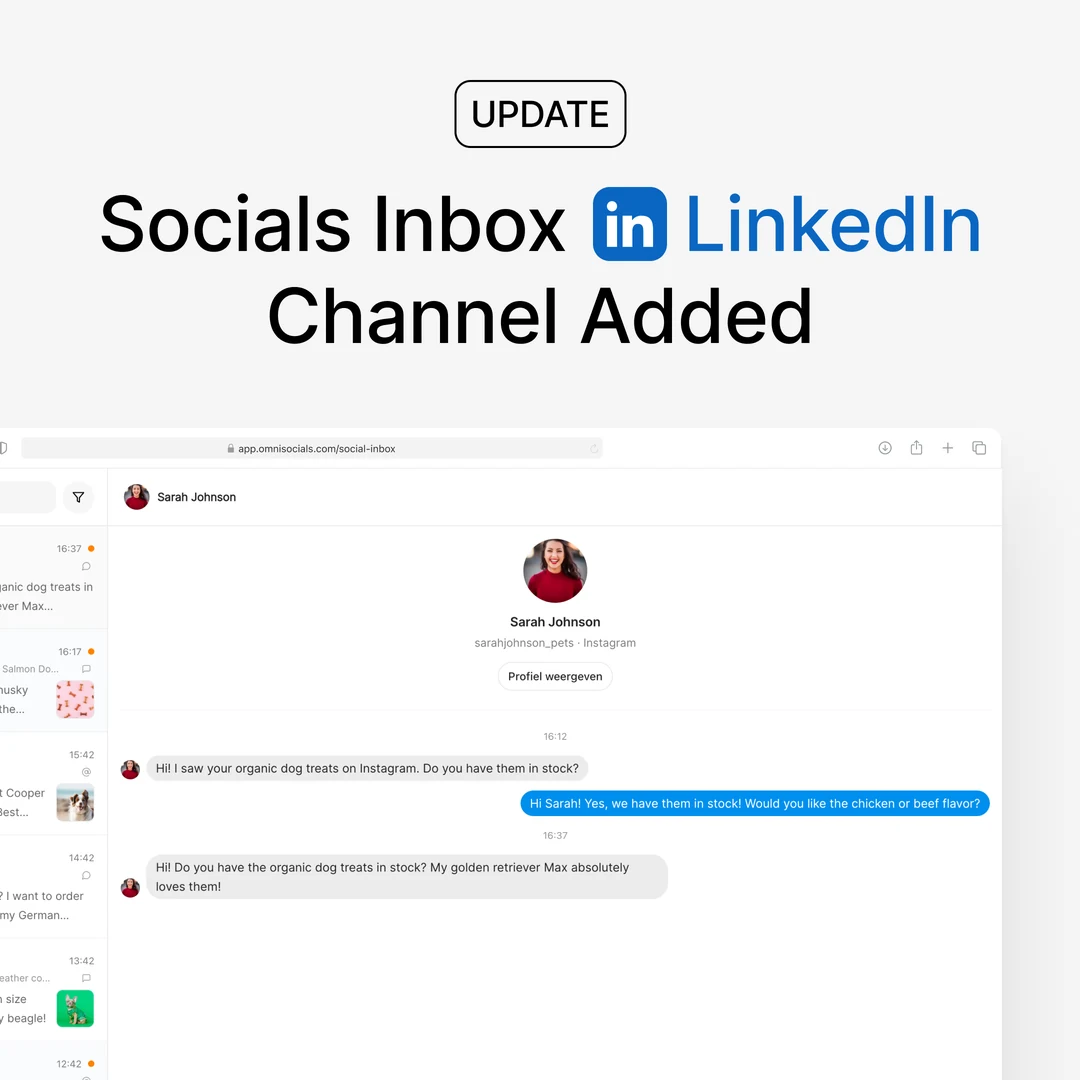
Choose your LinkedIn carousel style

  • 2 new

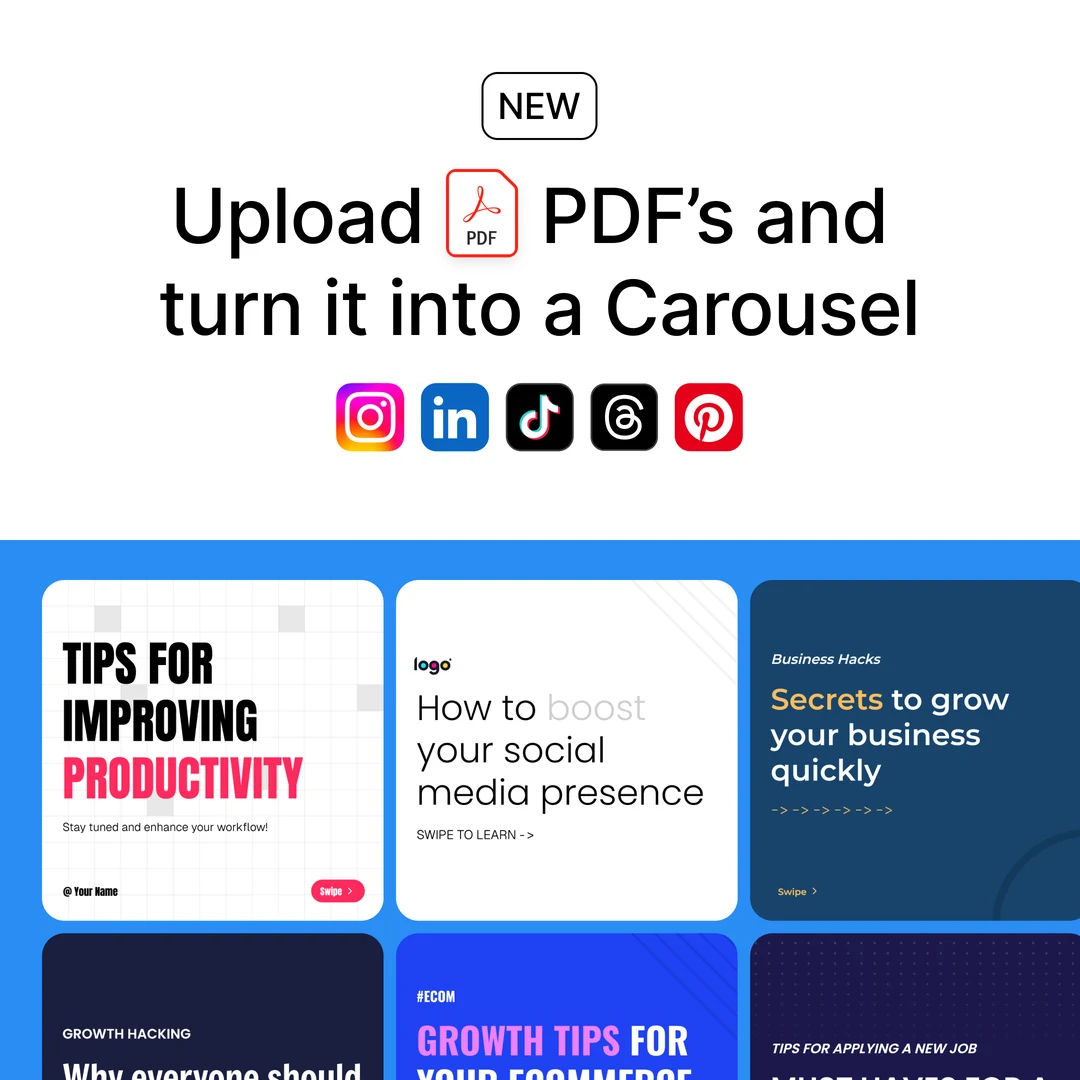
Multi-image LinkedIn posts: pick a swipeable document carousel or a classic image gallery, right on the images.

New

  • Choose your LinkedIn carousel style - by default, a LinkedIn post with two or more images publishes as LinkedIn's swipeable document carousel. A new button on the images in the composer (next to Reorder images) lets you switch that post to a classic image gallery instead. The preview changes with it, so you see exactly what LinkedIn will show, and you can choose separately for your personal profile and your company page.
  • Also in the API, MCP, and SDKs - set carousel_as_images on the linkedin or linkedin_page options when creating or updating a post. Full details in the API docs.

Coming next

What the team is building now. The roadmap has the full list, and how to ask for a feature.

See the roadmap
In progress

Comment to DM for Facebook Pages

The Instagram automation, for your Facebook Page: someone comments your keyword under a post of the Page and gets your link, offer or guide in Messenger, once per person, with an optional public reply under the comment.

In progress

OmniSocials Ads

Create and manage ad campaigns across every connected platform from one place, right alongside your organic posts.

In progress

Embed OmniSocials in your own product

Build social media posting, and soon ads, into your own software for your own users. They connect their social accounts inside your product, you publish and read results through the API, and OmniSocials stays behind the scenes.

See what we are building
In progress

Analytics for posts made outside OmniSocials

See performance for every post on your connected accounts, including ones you publish directly on a platform, right alongside the posts you send through OmniSocials.