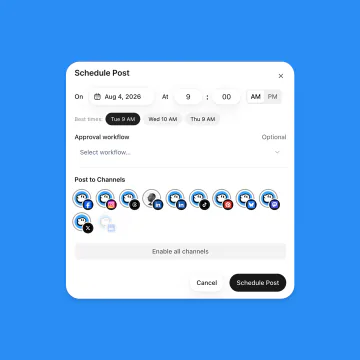
Yes. Connect the OmniSocials MCP server to Claude, ChatGPT, Cursor or any other MCP client and ask in plain words: it uploads and schedules your Shorts with the title, tags, privacy and cover, and reads and answers the comments. With an approval workflow, nothing goes out before someone approves it.
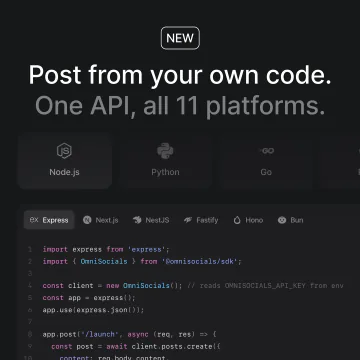
Shorts with the title, tags, privacy, category, made for kids, notify subscribers, the AI label, the first comment and the cover are also in the REST API, the official SDKs and the CLI. License, languages, embedding and view counts are set in the composer.
Webhooks tell your app when a post is scheduled, approved, rejected, published or failed.
























 YouTube
 Claude
 ChatGPT
 OpenClaw
 Hermes Agent
 Grok
Grok Muse
Muse dots
dots MCP
MCP