 OmniSocials CLI
The social media CLI
for AI agents
Post, schedule, answer DMs and read analytics on 13 platforms from your terminal. One file, no dependencies, and --json on every command, so Claude Code, Codex and your scripts can run it.
$ npx skills add OmniSocials/omnisocials-agent-skills
$ git clone https://github.com/OmniSocials/omnisocials-agent-skills$ sudo ln -s "$PWD/omnisocials-agent-skills/skills/omnisocials/scripts/omnisocials.js" /usr/local/bin/omnisocials
Installs the CLI and its SKILL.md for Claude Code, Codex, Cursor, Gemini CLI and more.


~/launchzsh

➜ ~/launch
$ omnisocials posts:create \
  --text "Post from your own code: SDKs in 8 languages." \
  --channels instagram,linkedin_page,x \
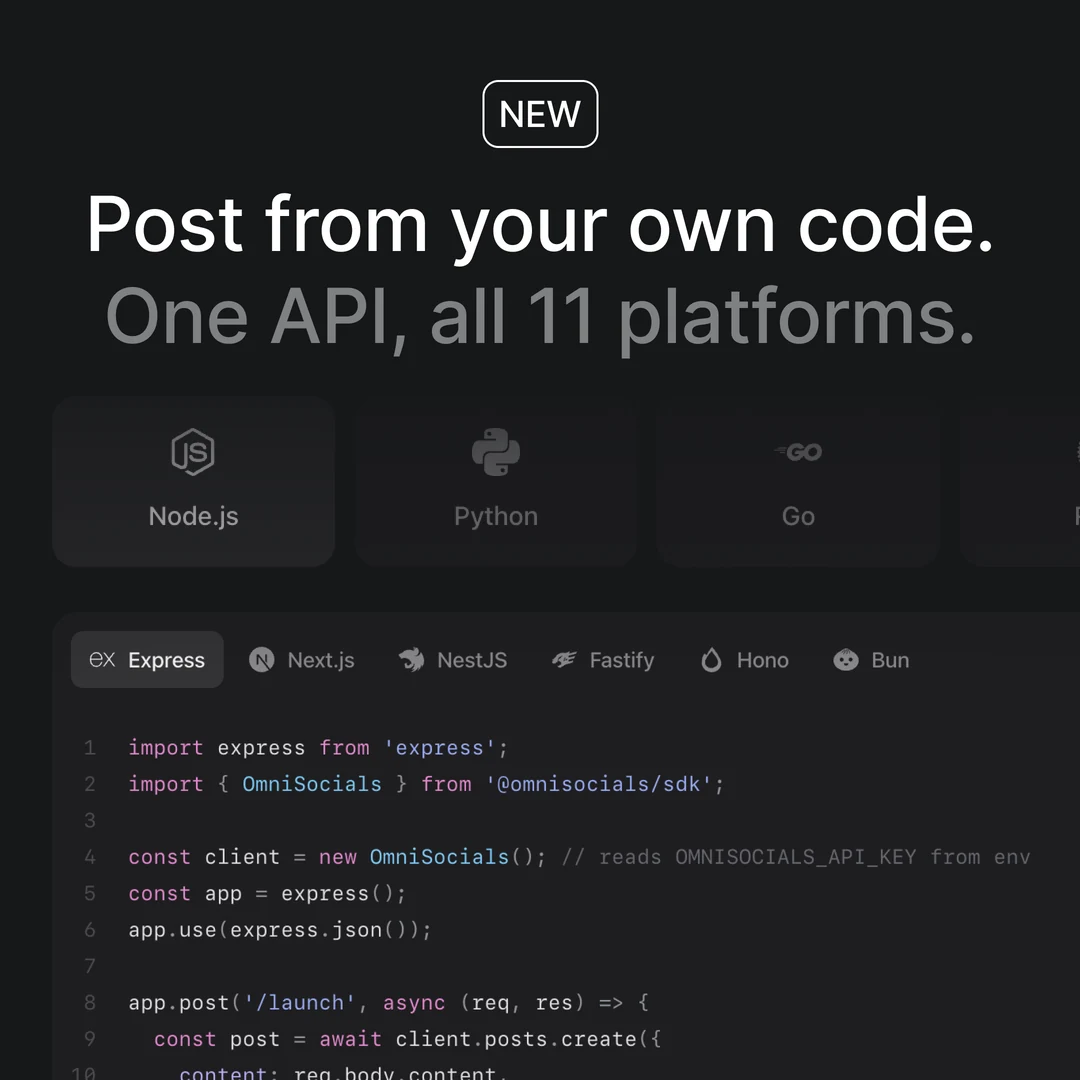
  --media-urls https://omnisocials.com/images/ig-api-v2/sdk-own-code.webp \
  --schedule 2026-10-22T18:00:00Z
Post created successfully!
ID: 1024
Status: scheduled
Scheduled: 2026-10-22T18:00:00Z
Open in OmniSocials: https://app.omnisocials.com/posts/1024








One install for every coding agent that runs shell commands. The skill teaches it the commands and the rules.
Your agent types. You approve.
The skill ships the CLI with a SKILL.md of rules: check the accounts first, save drafts, and never publish or send a DM before you say yes.
Claude Code~/omnisocials-site
>Post the polls release from CHANGELOG.md to LinkedIn and X, at our best time
The rules in SKILL.md
Drafts firstWithout --schedule a post waits as a draft. With --draft it holds its time on the calendar until you confirm it.--draft, posts:update --no-draft
Asks before it actsThe skill never publishes, deletes or turns on a DM automation without your yes, and it shows you the DM text first.SKILL.md
Reads the reviewA post in review or sent back gets its approval read first: who decided, why, and what they wrote.posts:approval
56 commands. One file.
Posts, the inbox, analytics, comment to DM, media and webhooks: the whole OmniSocials API, as commands you can read and pipe.
~/launchzsh
➜ ~/launch
All 56 commands
--json--api-key--base-url--helpPosts and approvals
13Create, schedule, publish, retry and review posts.
posts:createCreate a post, a draft or a planned draftposts:create-and-publishCreate a post and publish it right awayposts:listList posts, filtered by statusposts:getGet one post with its status per channelposts:updateChange a draft or a scheduled postposts:publishPublish a post nowposts:retryRetry only the channels that failedposts:recent-platformRead recent posts live from the platformsposts:approveApprove your step of an approval workflowposts:rejectReject a post in reviewposts:approvalRead the review: who decided, why, the commentsposts:deleteRemove a post from OmniSocials (the live post stays)approval-workflows:listList the workspace's approval workflows
Inbox
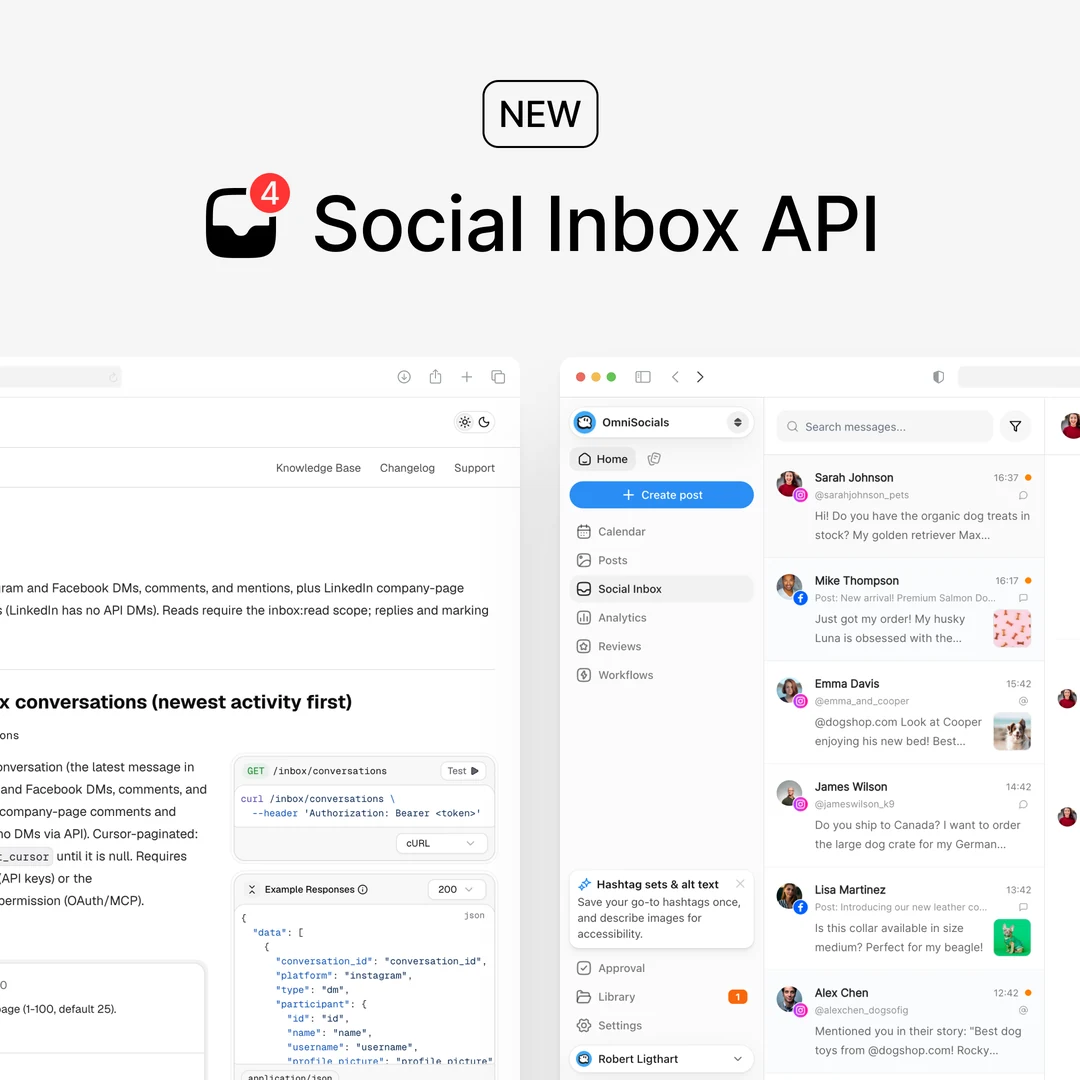
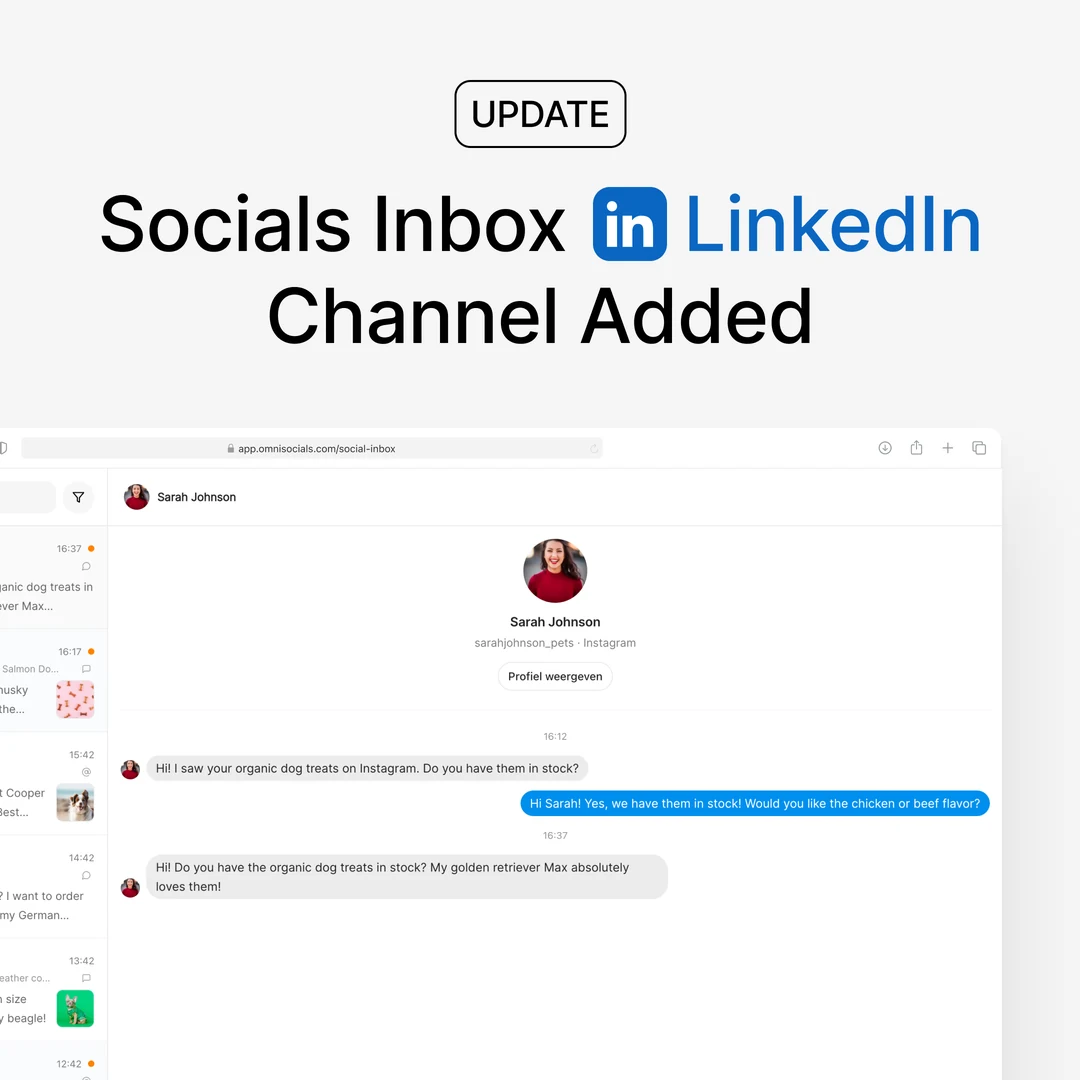
7DMs, comments and mentions, on 7 platforms.
inbox:nextThe next conversation that needs an answerinbox:replyReply, then move to the next oneinbox:listList conversationsinbox:messagesThe full thread of one conversationinbox:readMark a conversation as readinbox:hideHide a comment on your postinbox:deleteDelete a comment from the platform
Analytics
5Numbers per post, per account and per workspace.
analytics:overviewWorkspace totals for a periodanalytics:postThe numbers of one post, per channelanalytics:postsUp to 100 posts in one callanalytics:accountsAccount numbers, such as followersanalytics:best-timesYour best slots to post
Comment to DM
6Send a DM to everyone who comments a keyword on Instagram or a Facebook Page.
automations:createAnswer a keyword with a DM, once per personautomations:listList automations with their statsautomations:getTrigger, post, DM, reply and limitsautomations:updateChange only what you passautomations:eventsWho wrote what, and the DM sentautomations:deleteDelete an automation
Media
5Upload images, videos and PDFs, and check them first.
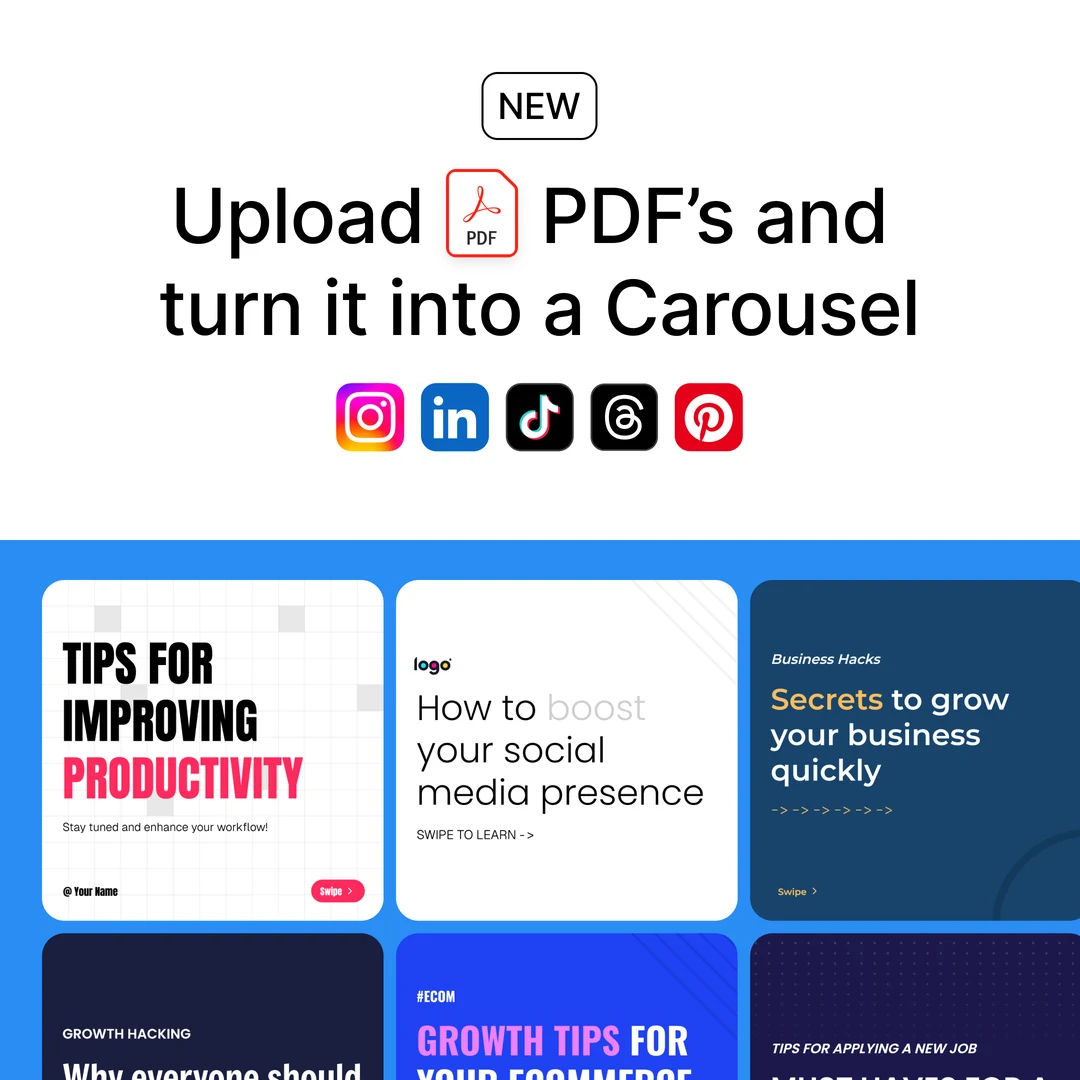
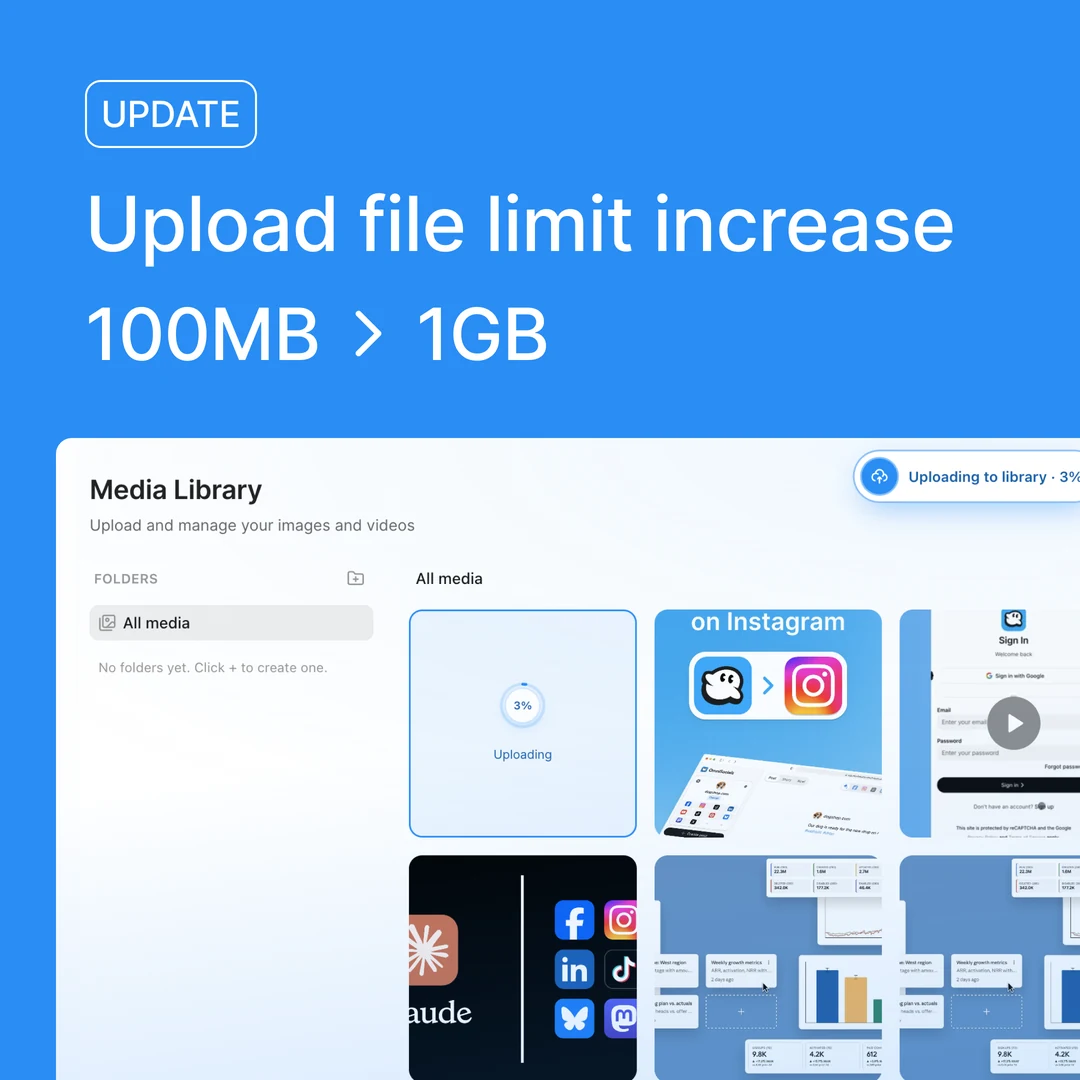
media:upload-base64Upload a local filemedia:uploadUpload from a URLmedia:checkCheck a file against each channel's rulesmedia:listList the media librarymedia:deleteDelete a media file
Accounts
2The channels a workspace has connected, and what they take.
accounts:listList connected accounts and their formatsaccounts:getOne account, with Pinterest boards
Platform extras
4Places, Reel music and Pinterest product Pins.
locations:searchFind a place to tag on Instagram or Threadsaudio:searchLicensed music for an Instagram Reelpinterest:productsProduct Pins you can tag on a Pinpinterest:validateCheck that a Pin is a product Pin
Folders and hashtags
6Keep media in folders and reuse hashtag sets.
folders:listList media foldersfolders:createCreate a folderhashtag-sets:listList saved hashtag setshashtag-sets:createSave a hashtag sethashtag-sets:updateRename a set or replace its tagshashtag-sets:deleteDelete a hashtag set
Webhooks
6Get a request when a post is scheduled, published, fails or is reviewed.
webhooks:createSend post events to your URLwebhooks:listList webhookswebhooks:getOne webhook and its eventswebhooks:updateChange a webhookwebhooks:rotate-secretGive a webhook a new signing secretwebhooks:deleteDelete a webhook
Setup
2Save your API key once, per project or for your user.
setupCheck your API key and save itconfig:showShow which key and config file the CLI uses
Made for scripts and CI
Every command answers in JSON with --json, reads its key from the environment and exits with code 1 when something fails. Run it from cron, a Makefile or GitHub Actions.
- 01
A draft on every release
Any job can call the CLI: a release, a merge or a nightly cron.on: releaseRelease v2.4.0 Draft · post 1032

- 02
One file
Clone the repo and run it with Node.js 18 or newer. Nothing to npm install.0 dependenciesomnisocials.js149 KB0 dependenciesNode.js 18+MIT - 03
The key from the environment
--api-key first, then OMNISOCIALS_API_KEY, then the config files.OMNISOCIALS_API_KEY1--api-keyon the command2OMNISOCIALS_API_KEYused3./.omnisocials/config.jsonproject4~/.config/omnisocials/config.jsonuser - 04
JSON on every command
Add --json and read the answer with jq or your own code.--json$ omnisocials posts:create --json …{ "data": {"id": "1032","status": "draft"} } - 05
Exit codes
A failure prints the error and exits with 1, so the job stops there.exit 1$ omnisocials posts:publish 1032Post queued for publishing!$ echo $?0
Every platform, one flag
Pass channel ids to --channels. Each platform keeps its own options, such as a YouTube title, a Pinterest board or a first comment.
| Platform | --channels | Formats | Its own flags |
|---|---|---|---|
 Instagram Instagram | instagram | Posts, carousels, Stories, Reels | --instagram-first-comment--collaborators |
 Facebook Page Facebook Page | facebook | Posts, Stories, Reels | --facebook-first-comment |
| LinkedIn profile | linkedin | Posts, PDF carousels, polls | --linkedin-poll-json |
| LinkedIn Page | linkedin_page | Posts, PDF carousels, polls | --linkedin-page-first-comment |
 YouTube YouTube | youtube | Videos and Shorts | --youtube-title--youtube-privacy |
 TikTok TikTok | tiktok | Videos, photo carousels | --tiktok-privacy |
| X | x | Posts, threads, polls | --x-thread--x-poll-json |
 Pinterest Pinterest | pinterest | Pins, product tags | --pinterest-board-id |
 Threads Threads | threads | Posts, threads, polls | --threads-thread |
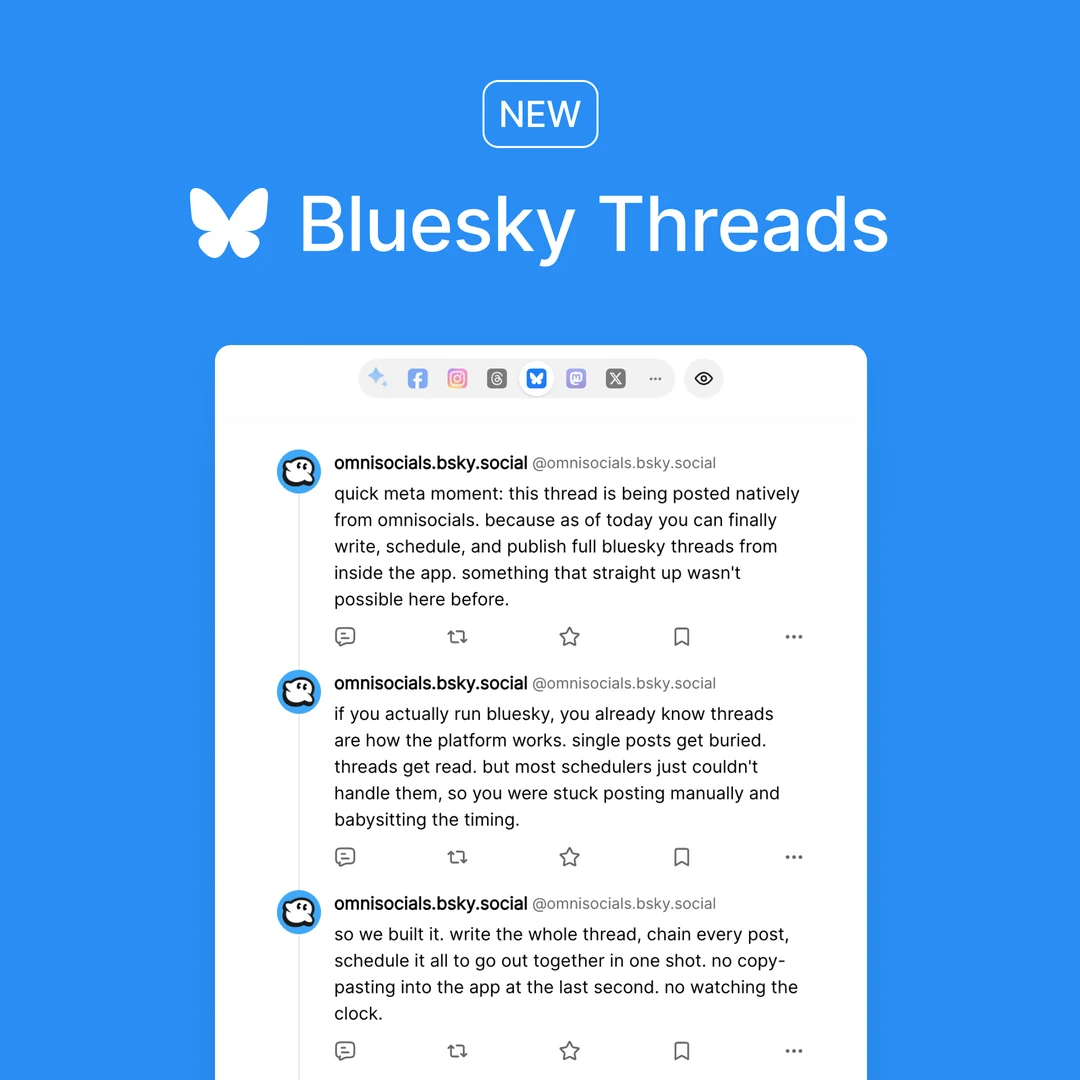
 Bluesky Bluesky | bluesky | Posts and threads | --bluesky-thread |
 Mastodon Mastodon | mastodon | Posts, threads, polls | --mastodon-poll-json |
 Google Business Google Business | google_business | Updates, events, offers | --google-business-cta-action |
 Telegram Telegram | telegram | Posts and albums | None |
 Discord Discord | discord | Posts, polls, forum posts | --discord-button--discord-poll-json |
LinkedIn has two ids: linkedin is a personal profile, linkedin_page a company page. Run accounts:list to see which channels a workspace has connected.
CLI, MCP or API?
One workspace, three ways in. Pick the one that fits where the work runs.
CLIThis page
Coding agents, scripts and CI
npx skills add OmniSocials/omnisocials-agent-skills
API key, saved once with omnisocials setup
You are hereMCP server
Claude, ChatGPT and other chat apps
https://mcp.omnisocials.com
Sign in with OAuth, or an API key
Connect an agentAPI and SDKs
Your own product and backend
POST https://api.omnisocials.com/v1/posts/create
API key in the Authorization header
See the APILive in three commands
Install the skill, save your key and send a post. Every key belongs to one workspace and acts on real accounts, so start with a draft.
- Step 1Install the skillYour agent gets the CLI and the rules in one go. On your own machine, link the script as omnisocials instead.
$ npx skills add OmniSocials/omnisocials-agent-skills - Step 2Save your keyCreate a key in Settings, API. setup checks it, saves it and adds .omnisocials/ to your .gitignore.
$ omnisocials setup - Step 3Send a draftWithout --schedule the post waits as a draft in OmniSocials, so you see it before anyone else does.
$ omnisocials posts:create --text "Hello from my terminal" --channels linkedin
Frequently
Asked Questions

Robert LigthartFounder of OmniSocials
Post from your terminal
this afternoon
The CLI, the API, the SDKs and the MCP server come with every plan: $10 per seat per month, billed annually.