Moderate comments, and YouTube joins the inbox
- 3 new
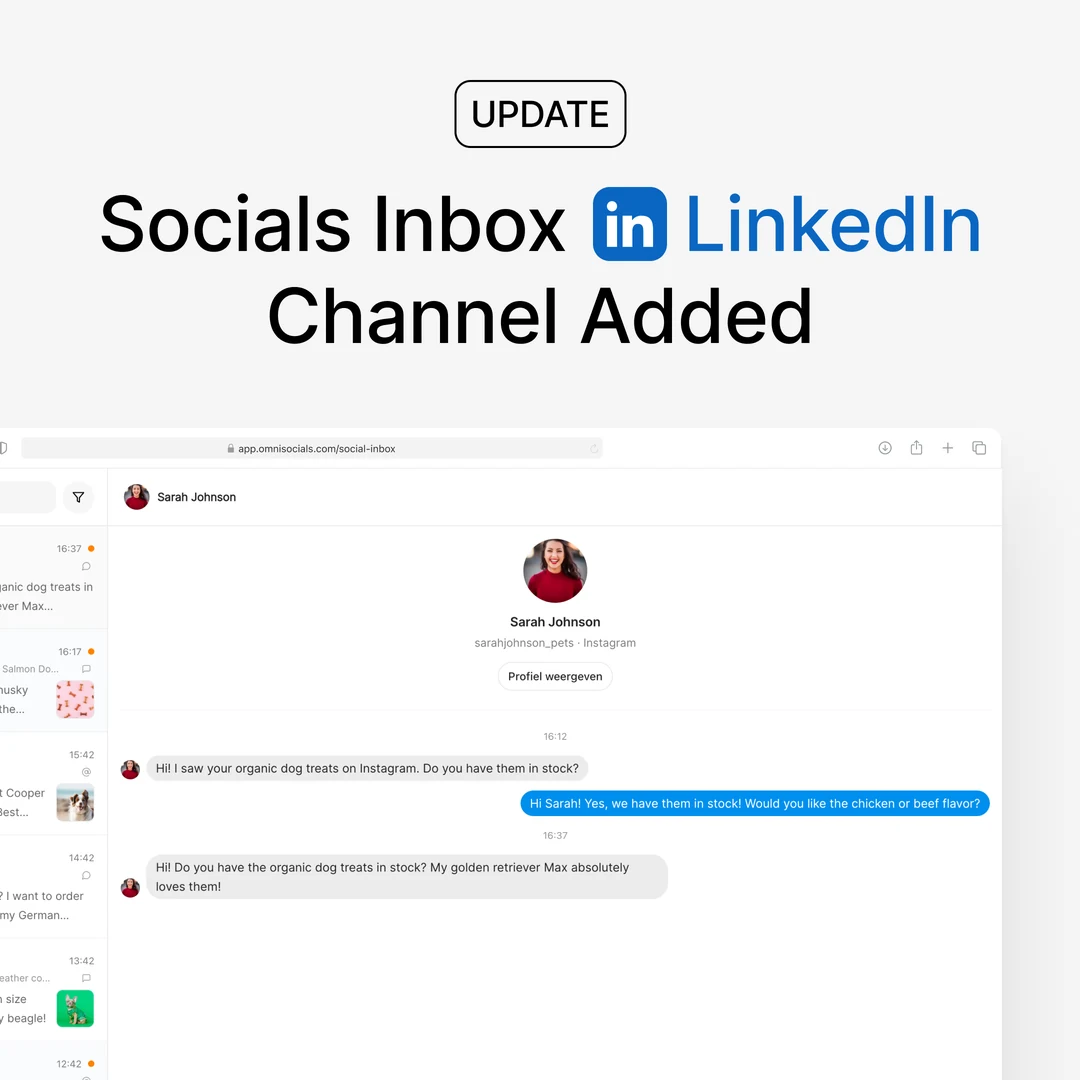
Hide and delete Instagram, Facebook, and TikTok comments right from the Social Inbox. Plus: comments on your YouTube videos now show up there too, with replies and hiding.

New
- Hide and delete comments in the Social Inbox - every Instagram, Facebook, and TikTok comment now has Hide and Delete next to Reply. Hiding removes the comment from public view on the platform but keeps it in your inbox with a "Hidden" badge, so you can unhide it any time. Deleting removes it for good, on the platform and in your inbox, including its replies.
- YouTube comments in the Social Inbox - comments on your YouTube videos now arrive in the same inbox as everything else, grouped per video with the video preview. Reply as your channel and hide comments you do not want shown; hiding uses YouTube's own moderation, so the comment and its replies disappear from public view and can be restored later. YouTube does not allow tools to delete another person's comment, so there is no Delete for YouTube. No extra setup needed: your existing YouTube connection already covers it. YouTube sends no notifications for comments, so OmniSocials checks each channel once per day; a new comment can take up to a day to appear.
- YouTube inbox in the API, MCP, CLI, and SDKs -
GET /inbox/conversationsacceptsplatform=youtube, and the reply endpoint posts comment replies as your channel. The same works through the MCP server and the CLI, so your AI assistant can read and answer YouTube comments too. Details in the inbox docs.