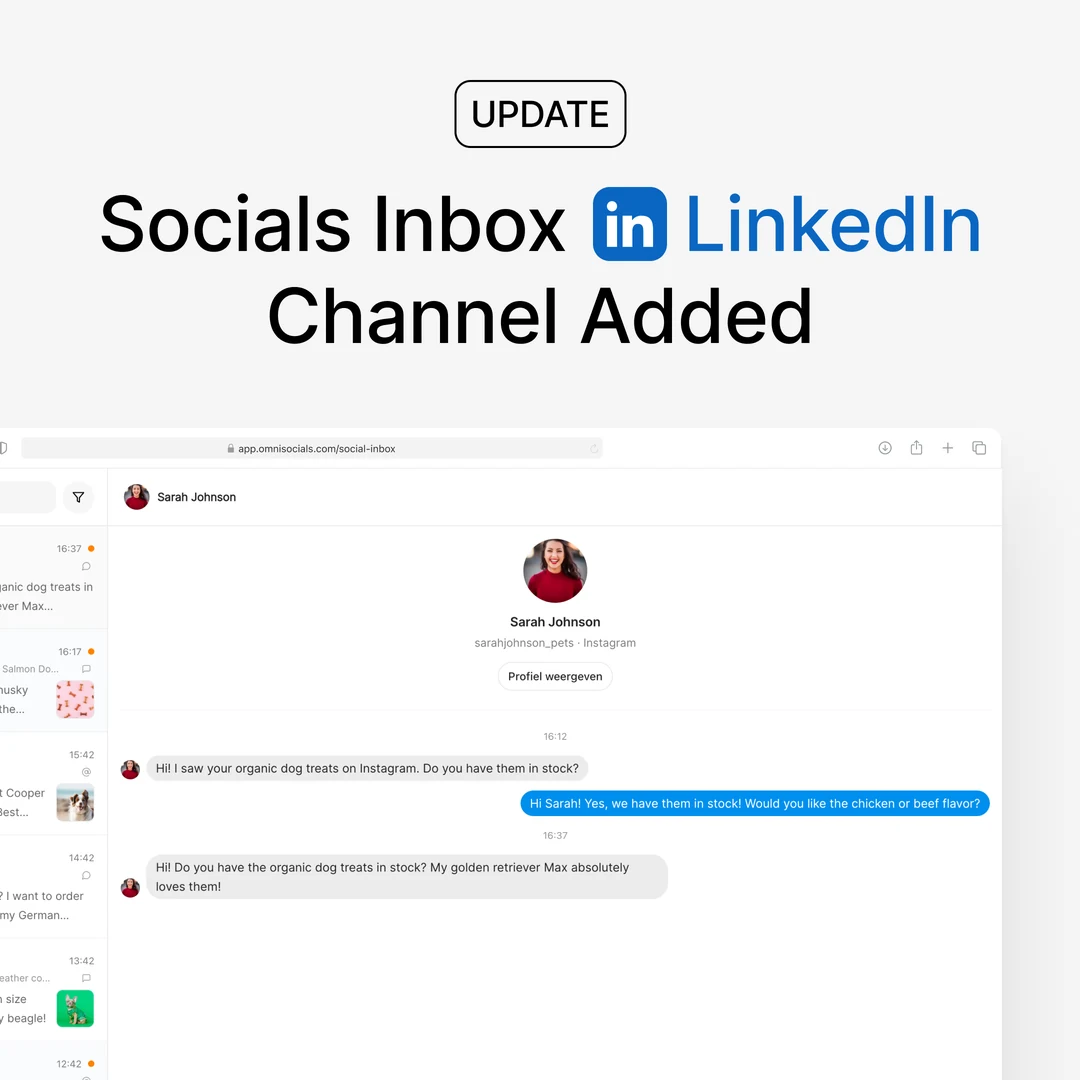
No more missed DMs in the inbox work queue
- 1 new
- 2 improved
- 2 fixed
The next-unanswered queue now serves DMs first, keeps showing DMs whose reply window has closed, and comment replies always land under the comment you answered.


Improved
- DMs come first in the work queue -
GET /inbox/next(and the "next unanswered" action in ChatGPT and Claude) now serves DMs that can still be answered before comments, the one whose 24-hour reply window closes soonest first. Before, everything was served oldest first, so a fresh DM could sit behind a backlog of older comments until Meta's reply window had passed. - DMs past the reply window are no longer hidden - an Instagram or Facebook DM that is older than 24 hours cannot be answered through OmniSocials (a Meta rule), and the queue used to drop it without a word. It is now served with
reply_window.open = false, so you know the customer is waiting and can answer from the Instagram or Facebook app. That reply is mirrored into the inbox and clears the item. Theunansweredfilter on the conversation list includes these DMs too.
Fixed
- Comment replies landed under the wrong comment - all comments on one post share a conversation, and a reply sent through the API or an AI assistant was always posted under the newest comment on the post, not the one you had drafted for. The reply endpoint now takes
message_id, the queue names it, and the ChatGPT and Claude tools pass it automatically. If you use the OmniSocials app in ChatGPT, open chatgpt.com/plugins, open the OmniSocials app and click Refresh once so it picks up the change. - Instagram "hidden" that was not hidden - hiding an Instagram comment reported success while the comment stayed visible on a reel that is also shared to Facebook. OmniSocials now reads the comment back from Instagram and only marks it hidden when Instagram confirms it. When Instagram does not apply the hide, you get a clear message to hide it in the Instagram or Facebook app instead.
Added
- Team invites you can see inside the app - when someone invites you to their organisation, a banner now shows at the top of OmniSocials the next time you sign in, with a Review invite button. Until now the invite only existed as an email, and an email that never arrived (a spam filter, or a one-click unsubscribe on an earlier email that made our email provider hold every message to that address) meant a lost invite. On the Team page, the menu on a pending invite now has Copy invite link and Resend invite, so you can hand the link over directly.