Comment to DM, and Workflows become Automations
- 7 new
- 2 improved
Ask people to comment a keyword on your Instagram post or reel, and OmniSocials sends each of them a DM with your link. Reposts and comment-to-DM now live together under Automations, each one readable as a sentence.


New
- Comment to DM for Instagram - under Automations, choose New automation and Send a lead magnet, type the keyword, pick the post (one you published through OmniSocials or not, the next one you publish, or any post on the account), write the DM and turn it on. When someone comments the keyword, they get your message as a private reply, once per person. Optional: a public reply under the comment ("Sent you a DM! 📩") with variations that rotate, a limit on the number of DMs, and a stop date. The activity log shows every comment that matched and what happened to it: sent, skipped with the reason, or failed with Instagram's message.
- A keyword in a DM, or a reply to a story - the trigger step has three triggers you can tick together: a comment on a post or reel, a direct message, and a reply to one of your stories. With the last two, the person's message starts the automation and your answer goes out at once as a DM, once per person.
- Comment to DM in the composer - the Instagram options of a new post have the same section, so a scheduled post starts its automation the moment it is live. A section you switch off removes the post's automation.
- Workflows are now Automations - the sidebar entry, the page and the links changed name; the repost workflows themselves did not change. Every automation on the page reads as one sentence ("Repost Reels from Instagram to TikTok, every day at 12:00 Amsterdam, oldest first"), with its status and counts next to it. Old links to Workflows keep working.
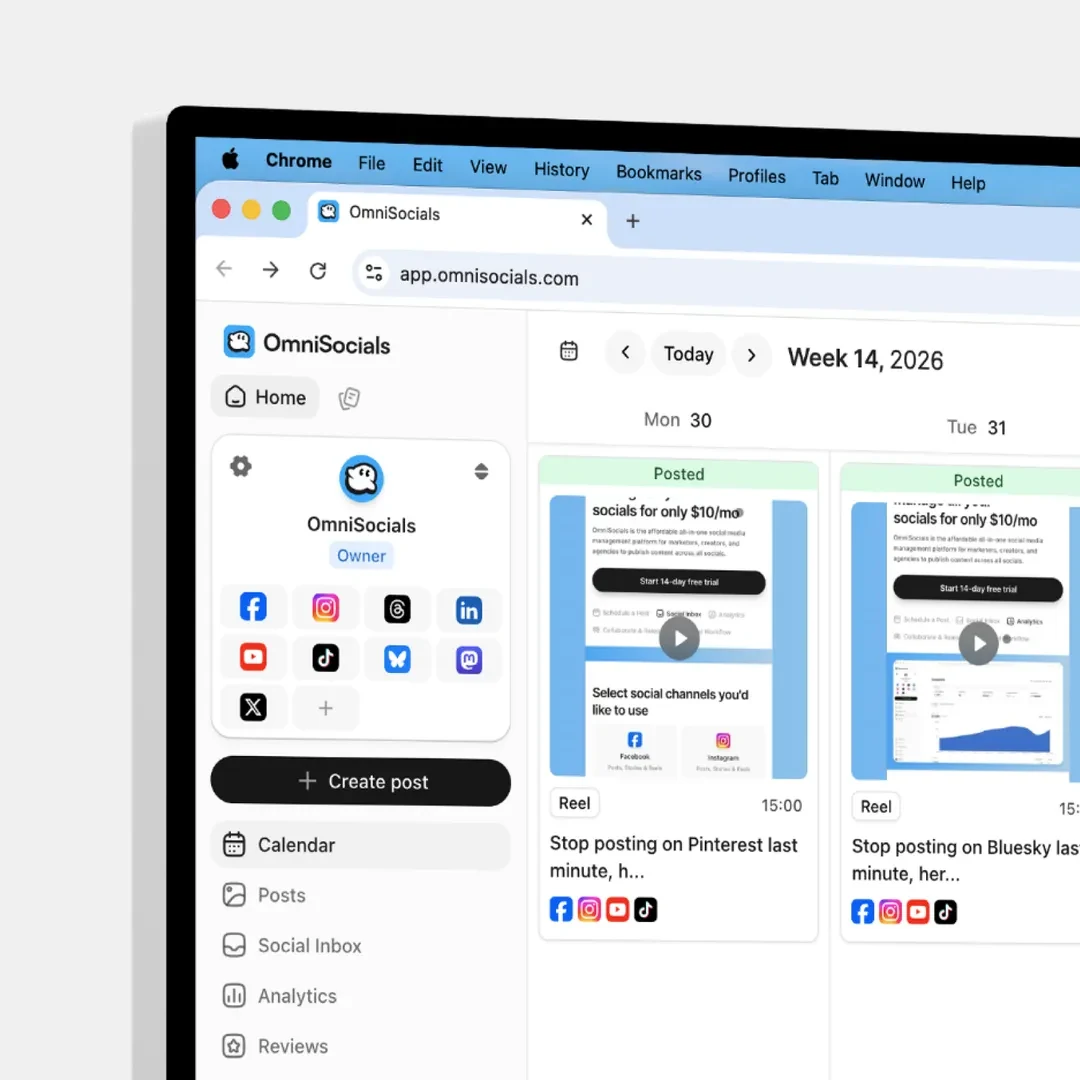
- Drafts with a date show on the calendar - Save draft now asks for a date, or you pick Save without a date. A draft with a date sits on the calendar at that time with a dashed outline and a Draft label, on desktop and on the phone, and it never publishes until you schedule it. Drag a draft from the Drafts sidebar onto a day to plan it there, or drag a dashed card to another day to move it. The schedule window has Save as draft next to Schedule Post.
- The composer knows what it is editing - a scheduled post opens with its time in a chip next to Save changes; Post now, Unschedule and Delete sit behind the more menu. Unschedule keeps the date and turns the post back into a draft on the calendar. A dated draft shows its date in a dashed chip next to Schedule Post; click either chip to change the time.
- API and MCP: planned drafts -
draft: truewithschedule_atonPOST /api/v1/posts/createkeeps the time but stores a draft, so an agent can propose a slot that you confirm in the app.PATCH /api/v1/posts/{id}withdraft: falseschedules it at that time, anddraft: trueunschedules a post without losing its time. The MCP toolscreate_postandupdate_posthave the samedraftfield (MCP 1.40.0).
Improved
- Repost automations tell you when a connection is lost - a repost whose source account needs to be reconnected now shows that on the list, with "Needs attention" first. Until now only a failed import did.
- Skip reasons on repost items - an item the repost skipped (a text-only post for Instagram, a Pin without a caption) now shows why, and the activity has a Posted filter.