 YouTube API for developers
The YouTube Shorts API,without the Google work
Publish Shorts with their title, privacy, tags and first comment. Answer comments and read views and likes. One API key, on OmniSocials’ verified Google app.


Webhooksyour-app.com/hooks
post.scheduledpost 1024just now200
post.publishedpost 10192 h ago200
post.approvedpost 10193 h ago200
POST/v1/posts/createapplication/json
01{
02 "type": "reel",
03 "content": "Post from your own code: SDKs in 8 languages.",
04 "accounts": ["youtube"],
05 "media_urls": ["https://cdn.example.com/sdks.mp4"],
06 "schedule_at": "2026-10-22T18:00:00Z",
07 "youtube": {
08 "title": "OmniSocials SDKs in 8 languages",
09 "privacy_status": "public",
10 "tags": ["omnisocials", "api", "sdk"],
11 "notify_subscribers": true
12 }
13}
Sending201 Created412 ms
Send14{
15 "data": {
16 "id": "1024",
17 "status": "scheduled",
18 "app_url": "https://app.omnisocials.com/create-post/1024"
19 }
20}
A request creates a YouTube Short for Thu at 18:00; it appears in the OmniSocials calendar and the webhook post.scheduled fires.







Your coding agent runs the same calls through the CLI
Skip the Google verification
YouTube’s own API needs a Cloud project, a verified consent screen for three YouTube scopes, and Google’s audit before uploads can be public. Every upload costs 1,600 units of a daily quota. With OmniSocials your code sends one request.
On your own
youtube.uploadyoutube.force-sslyoutube.readonly
Cloud projectVerificationAuditQuotaTokensUploadsChannelsPollingFirst postOn OmniSocials
Sign inAPI keyPOSTFirst postAll 3 YouTube scopes already verifiedShorts, with every setting
OmniSocials publishes Shorts only: one video of up to 3 minutes per post. Set the type to reel, add the video URL and a time, and put the title, privacy and tags in the youtube object. The video’s length is checked before anything is uploaded.
Post from your own code: SDKs in 8 languages.
Thumbnail
 @omnisocials-comSubscribe
OmniSocials SDKs in 8 languages
 Like
Like Dislike
 0
0 Share
Share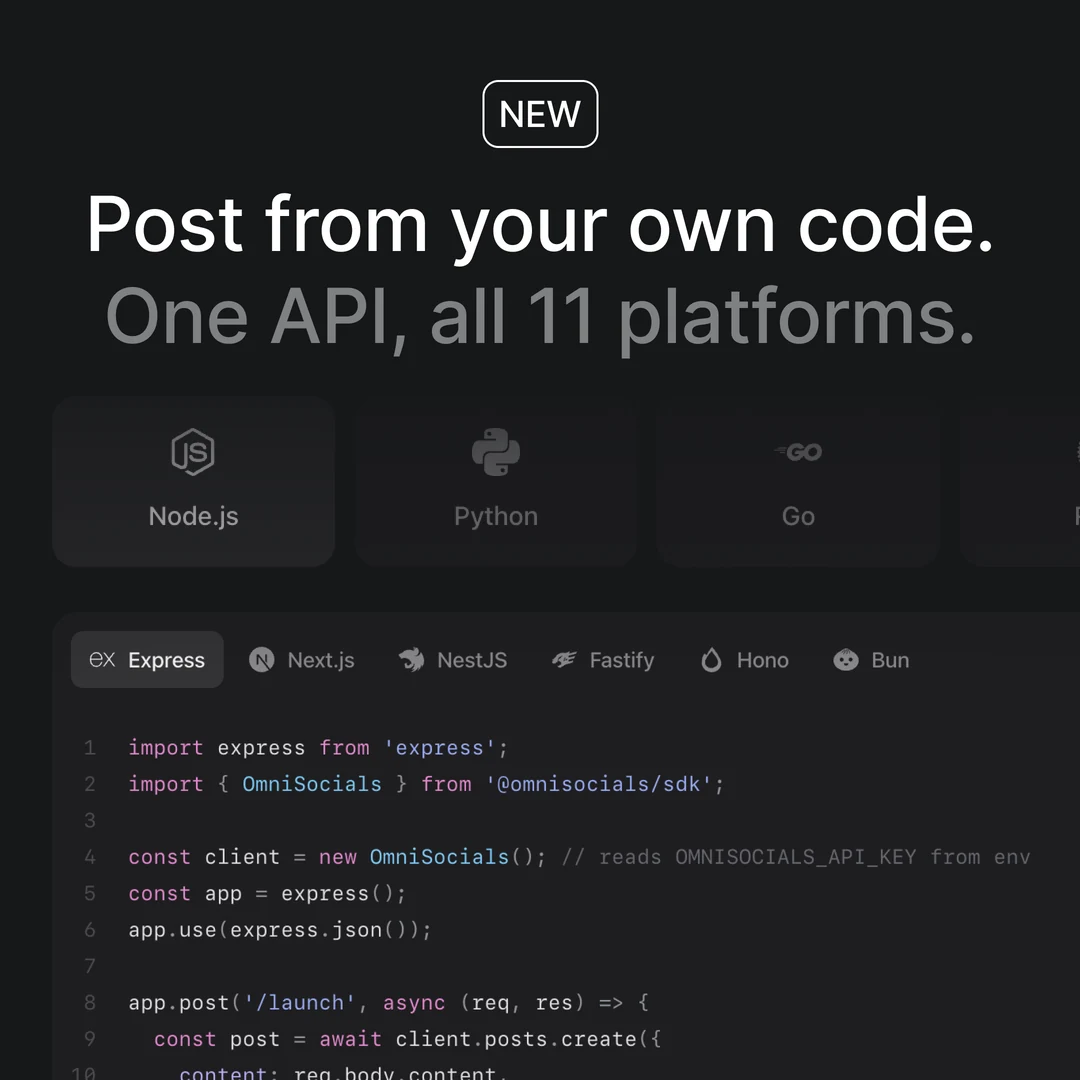
POST/v1/posts/create
01{
02 "type": "reel",
03 "content": "Post from your own code: SDKs in 8 languages.",
04 "accounts": ["youtube"],
05 "media_urls": ["https://cdn.example.com/sdks.mp4"],
06 "schedule_at": "2026-10-22T18:00:00Z",
07 "youtube": {
08 "title": "OmniSocials SDKs in 8 languages",
09 "privacy_status": "public",
10 "tags": ["omnisocials", "api", "sdk"],
11 "category_id": "28",
12 "notify_subscribers": true,
13 "first_comment": "Which SDK do you use?"
14 }
15}
201 Createdstatus: "scheduled"
Shorts up to 3 minutes
One video per Short, by URL. A longer video is refused in your request, with its length in the message.
type: "reel"media_urls
Title, privacy and tags
Leave the title out and YouTube gets the caption’s first line. Public, unlisted or private, with tags and a category.
youtube.titleyoutube.privacy_statusyoutube.tags
Cover and first comment
A frame or your own image as the cover, where YouTube allows custom Shorts thumbnails. A first comment of up to 10,000 characters.
video_coveryoutube.first_comment
Every Shorts setting, on the right channel
One youtube object carries what YouTube asks for, the same settings as the composer’s YouTube page. OmniSocials checks the channel before and after every upload, and deletes a Short that lands on the wrong one.
Post from your own code: SDKs in 8 languages.
Thumbnail
@omnisocials-comSubscribeOmniSocials SDKs in 8 languages
LikeDislike0ShareYouTubeDetailsBy posting to YouTube you confirm the video follows the YouTube Terms of Service, including the Community Guidelines.
Privacy
Category
License
Language
Audio language
POST/v1/posts/createthe youtube object
01{
02 "type": "reel",
03 "accounts": ["youtube"],
04 "youtube": {
05 "title": "OmniSocials SDKs in 8 languages",
06 "privacy_status": "public",
07 "made_for_kids": false,
08 "contains_synthetic_media": false,
09 "notify_subscribers": true,
10 "tags": ["omnisocials", "api", "sdk"],
11 "first_comment": "Which SDK do you use?",
12 "category_id": "28"
13 }
14}
Publishing post 1024Thu 22 Oct, 18:00
Channel checkedchannels.list · reaches @omnisocials-com only
Short uploadedvideos.insert · public
Landed on @omnisocials-comvideos.list · channel verified
First comment postedcommentThreads.insert · as OmniSocials
post.published sentyour-app.com/hooks · 200
On another channel the video is deleted and the post fails.
Every setting in one object
Title, privacy, made for kids, the AI label, subscriber alerts, tags, first comment and category. The same settings as the composer’s YouTube page.
youtube.privacy_statusyoutube.made_for_kidsyoutube.contains_synthetic_media
Checked before upload
A Google account with several channels picks one when it connects. Before each upload OmniSocials checks that the sign-in reaches only that channel, or the upload is refused.
Verified after upload
OmniSocials looks up where the video landed. A video on another channel is deleted and the post fails, with post.failed to your webhook.
post.failed
Connect a channel once, post from code
Sign in with Google once inside OmniSocials and pick the channel. Create an API key, and your code posts, replies and reports for that channel.
OmniSocials
Name, icon, social channels and who can open this workspace.
GeneralMembersClientsApproval workflowsAPI
Workspace iconJPG or PNG, up to 2 MB.
Workspace nameOmniSocials
Social channels
The accounts this workspace posts to.
Connected

@omnisocials_
Instagram

@omnisocials_
Threads

OmniSocials
LinkedIn Page

@omnisocials_
X
Add a channel
YouTubeShorts FacebookPosts, Stories & ReelsLinkedIn ProfilePosts & Carousels
 TikTokVideos & Photo posts
 PinterestPins & Carousels
 BlueskyPosts & Threads
 MastodonAny server
 Google BusinessUpdates, Events & Offers
 TelegramChannels and groups
Coming soon




Danger zone
Delete workspace
Deletes this workspace with its posts, media and settings for good. This cannot be undone.
OmniSocials
Name, icon, social channels and who can open this workspace.
GeneralMembersClientsApproval workflowsAPI
API keys
Keys that can only reach this workspace.
| Name | Key | Last used | |
|---|---|---|---|
Claude | omsk_live_••••7c2e | Oct 20, 2026 |
GET/v1/accounts?platform=youtube
200 OK88 ms
01{
02 "data": [
03 {
04 "id": "4127_youtube",
05 "platform": "youtube",
06 "username": "@omnisocials-com",
07 "display_name": "OmniSocials",
08 "content_types": ["reel"],
09 "status": "active"
10 }
11 ],
12 "workspace_name": "OmniSocials"
13}
Authorization: Bearer $OMNISOCIALS_API_KEY
Google sign-in
Sign in with Google once and pick the channel. All three YouTube permissions must be granted, or the channel doesn’t connect.
A key per workspace
A key only reaches its own workspace. Inbox access is switched on per key.
What the channel can post
The accounts call lists the channel with its handle and the one format it takes: reel.
GET /v1/accountscontent_types
Answer comments on your Shorts
List the comments on your channel’s videos, then reply as the channel or hide them from your own code. YouTube has no comment webhooks, so new comments arrive once a day.
Social Inbox
AllUnread2CommentsDMs
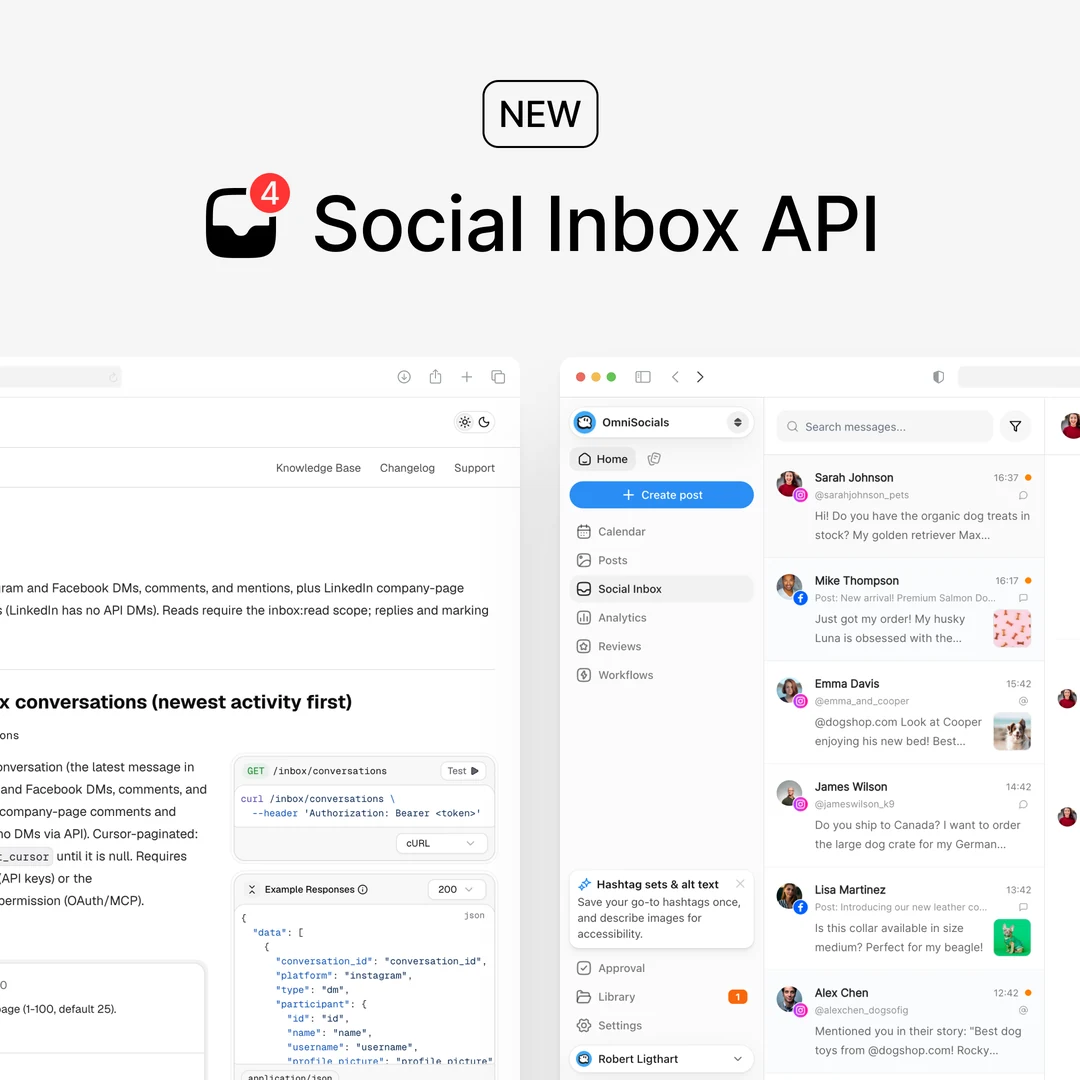 New: Manage the Social Inbox through the API8m
 @hanapark and 2 others: Do new comments come in right away?2 new
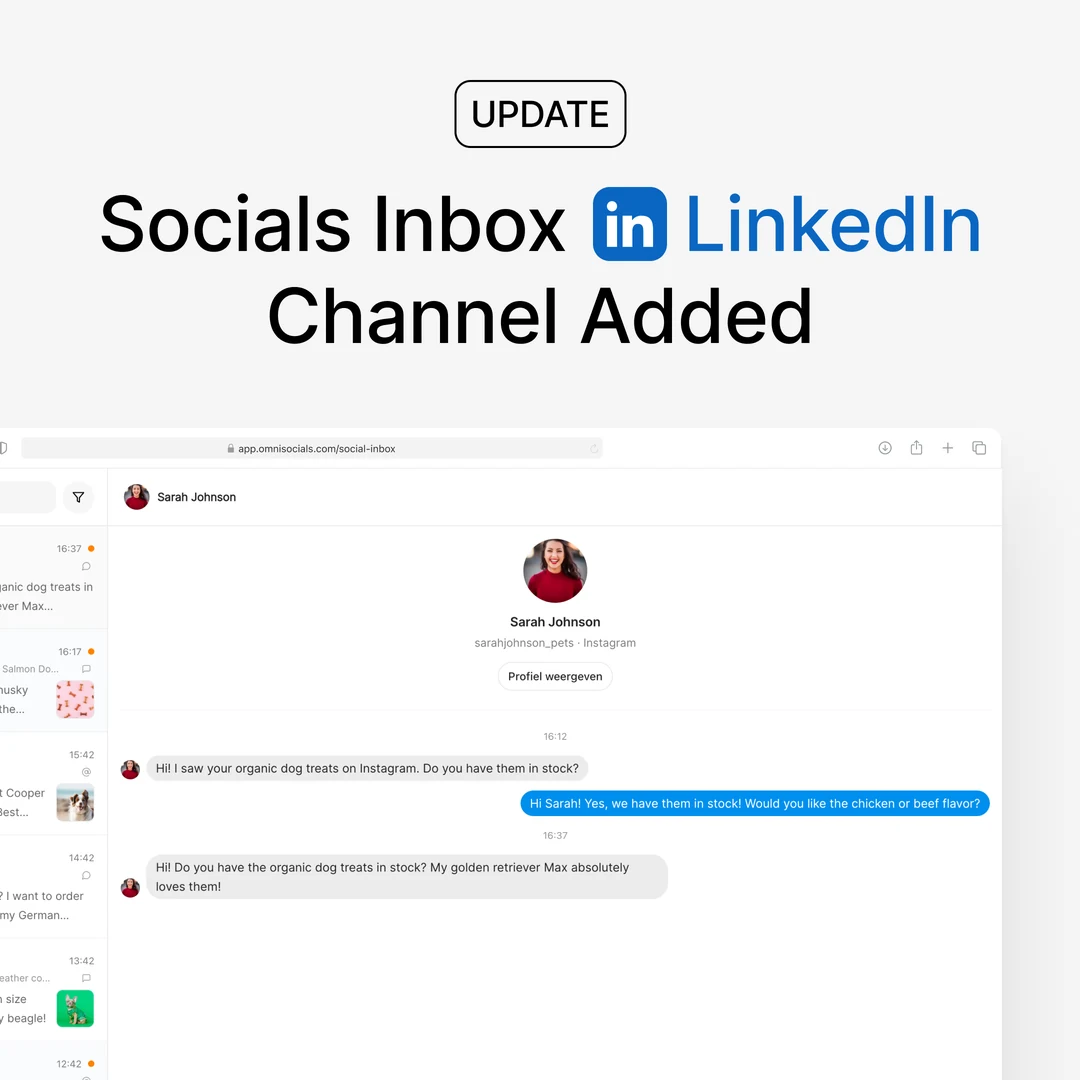 New: LinkedIn in the Social Inbox1h
 @leovik: Does this work for LinkedIn Pages too?1 new
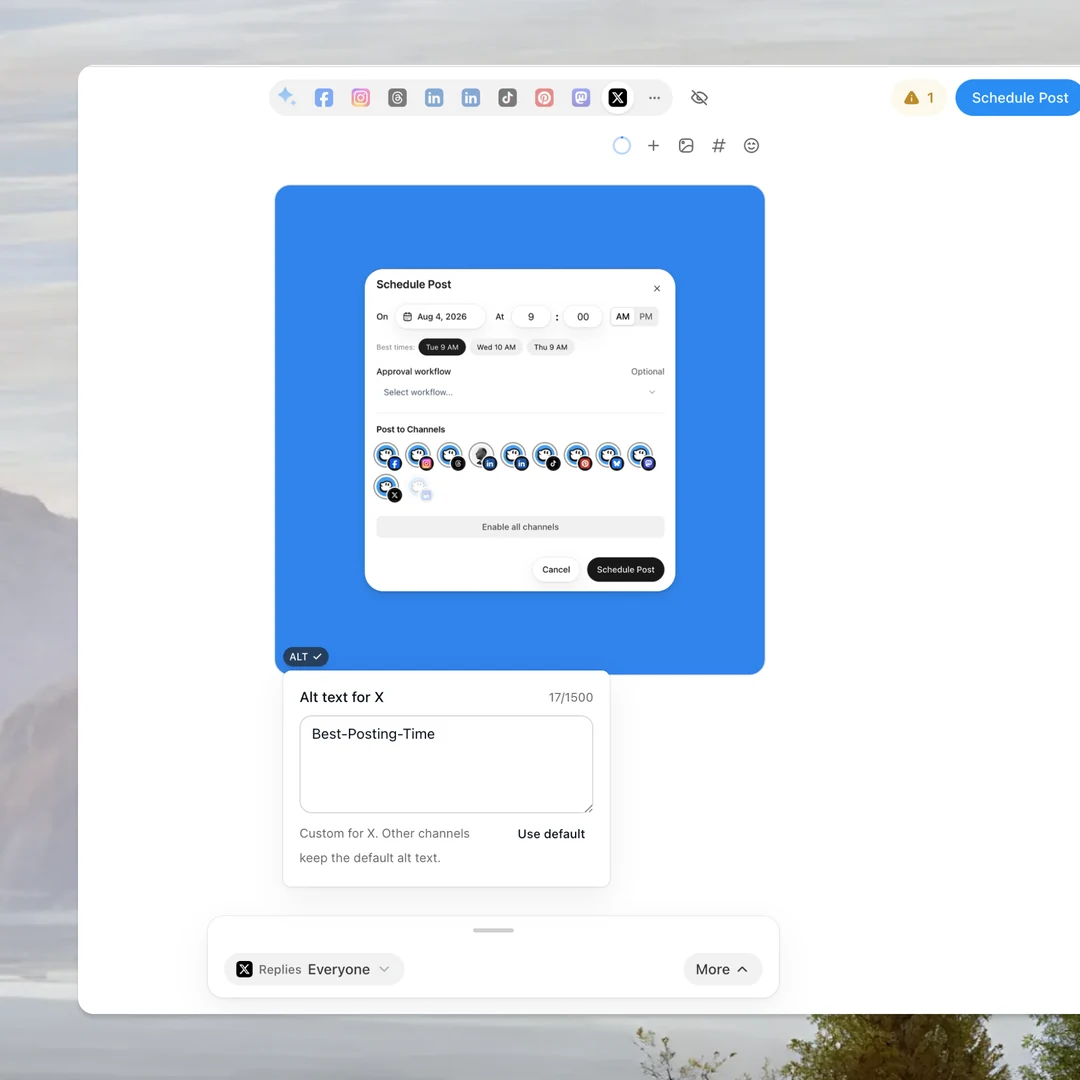 New: Alt text on every image3h
 @saraortiz: Small change, big help. Thanks!
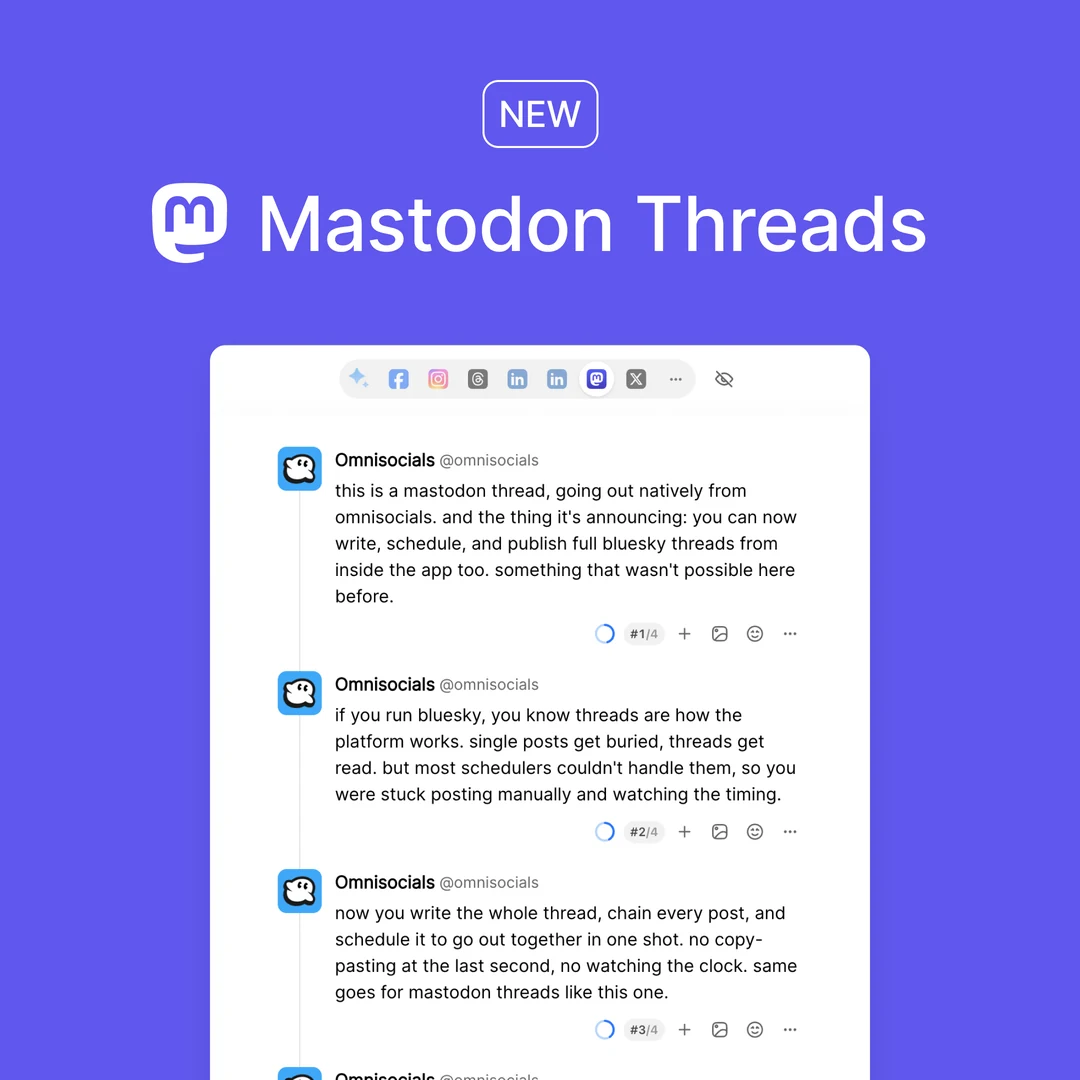 New: Mastodon threads8 Oct
 @ravimenon: Threads on Mastodon, finally.Comments on your videoYouTube video · 4 commentsOpen postYour video
New: Manage the Social Inbox through the API
4 comments2 new since you looked

@priyanairYesterday
Does this include YouTube comments?
OmniSocialsYouYesterday
Yes, YouTube comments are in the inbox too.
2 new
@tomasnovak13:20
Can I hide spam comments through the API?
@hanapark13:58
Do new comments come in right away?
Reply to @hanapark…Replies are public on YouTube and post as OmniSocials
GET/v1/inbox/conversations?platform=youtube&type=comment
200 OK104 ms
01{
02 "data": [
03 {
04 "conversation_id": "youtube_comment_Hk3vZ1pQx7A",
05 "platform": "youtube",
06 "type": "comment",
07 "participant": {
08 "name": "@hanapark"
09 },
10 "unread_count": 2,
11 "last_message": {
12 "direction": "incoming",
13 "text": "Do new comments come in right away?"
14 }
15 }
16 ]
17}
Authorization: Bearer $OMNISOCIALS_API_KEY
Reply as the channel
Every comment comes with the video it sits on. Pass the comment’s message_id and the reply lands right under it.
/conversations/:id/replymessage_id
Hide a comment
Hide a comment and show it again later. The API doesn’t delete or like other people’s comments.
/inbox/messages/:id/hide
Once a day
OmniSocials fetches each channel’s comments every 24 hours. Work through the new ones with the next-unanswered queue.
GET /inbox/next
“The MCP is the real game changer for me. It makes the whole workflow feel much faster and less messy.”

Ansub Khan
Founder of Supafast
Read what YouTube reports
Views, likes and comments per Short, dislikes where YouTube returns them, and the channel’s subscribers and total views per day. The API returns the same numbers the app charts.
AnalyticsReports
All
Followers
2123.5%
Impressions
63226.9%
Engagements
4536.4%
Published Posts
525.0%
Posts5Accounts8
Post | Channels | Impressions | Likes | Comments | Eng. rate | |
|---|---|---|---|---|---|---|
New: Alt text on every image. Describe every picture before it goes out. Oct 21, 2026Reel | | 31 | 3 | 0 | 9.7% | |
New: LinkedIn in the Social Inbox. Answer comments and mentions from one inbox. Oct 20, 2026Reel | | 96 | 7 | 1 | 8.3% | |
The Social Inbox has an API now. Four new endpoints for comments, DMs and mentions. Oct 19, 2026Reel | | 214 | 12 | 4 | 7.5% | |
New: Mastodon threads. Post a whole thread in one go. Oct 14, 2026Reel | | 163 | 9 | 2 | 6.7% | |
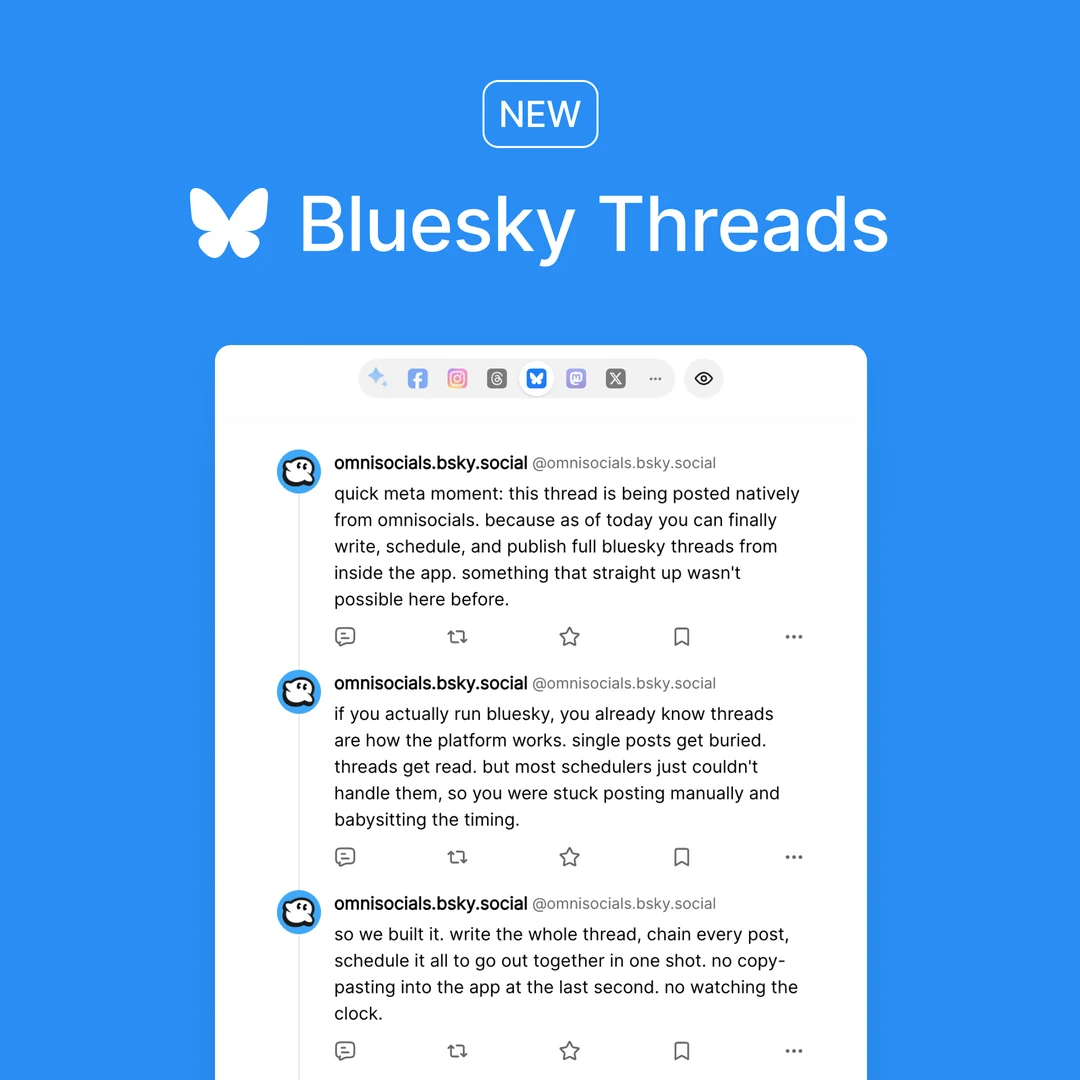 New: Bluesky threads. Post a whole thread in one go. Oct 8, 2026Reel | | 128 | 6 | 1 | 5.5% |
GET/v1/analytics/posts/1019
Authorization: Bearer $OMNISOCIALS_API_KEY
200 OK143 ms
01{
02 "data": {
03 "post_id": "1019",
04 "platforms": {
05 "youtube": {
06 "metrics": {
07 "views": 214, "likes": 12,
08 "dislikes": 0, "comments": 4,
09 "duration": 41
10 }
11 }
12 }
13 }
14}
Per Short
Views, likes and comments for every Short, plus the video’s length, and dislikes where YouTube returns them.
/analytics/posts/:id
Per channel and workspace
A daily snapshot of the channel: subscribers, total views and videos. Plus a workspace overview.
/analytics/accounts/analytics/overview
Best times to post
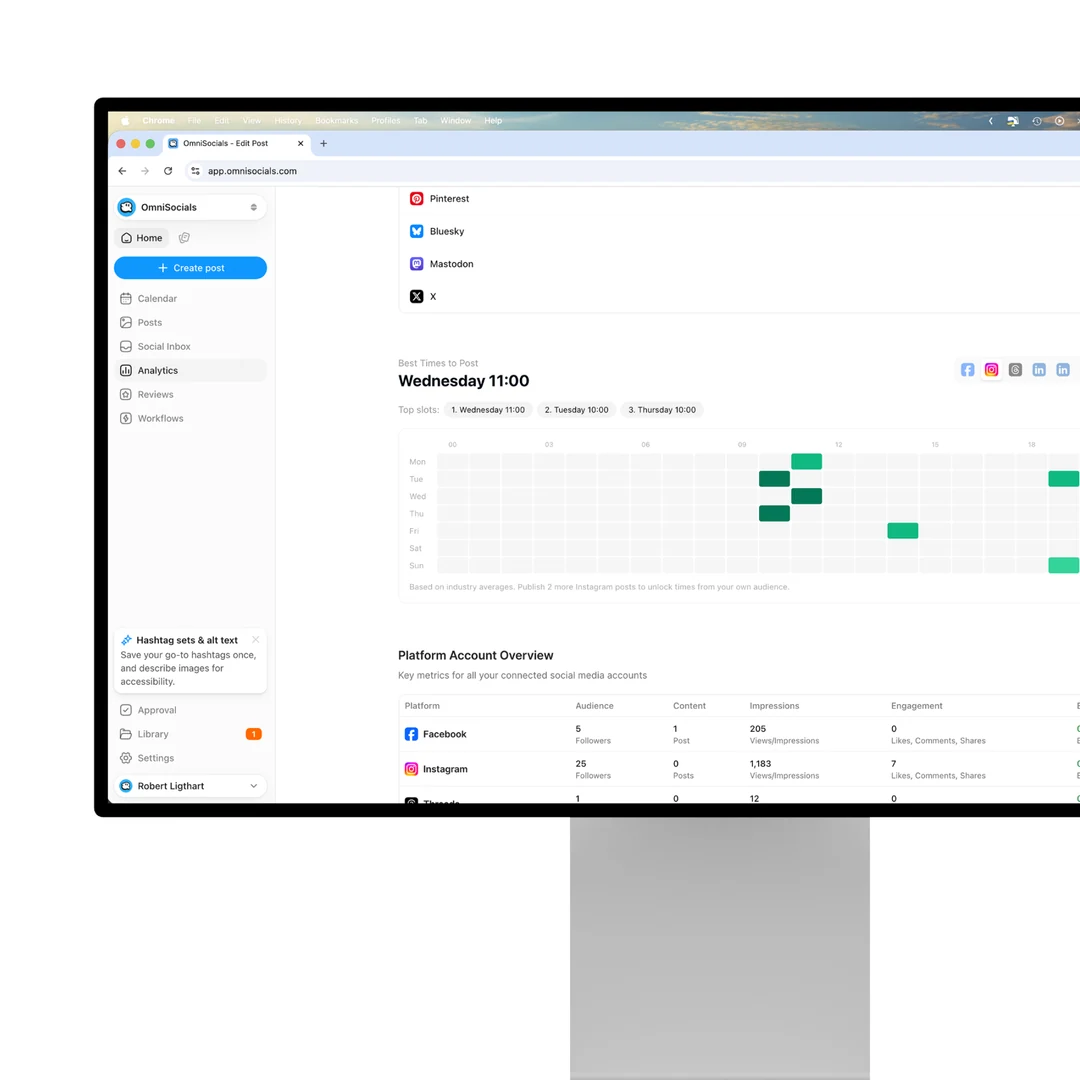
Days and hours worked out from your own YouTube history, once 15 of your posts are analyzed.
/analytics/best-times
Under the hood
Built for production
Signed webhooks, automatic retries, SDKs in 8 languages and a key per workspace. Create a key and send your first request in minutes.


YouTube’s rules, in one place
OmniSocials checks every Short against them before it reaches YouTube, so a video that is too long fails in your request, not at publish time.
FormatShorts only, one video per post
LengthUp to 3 minutes
VideoMP4, MOV or WebM, 100 MB in media_urls, 1 GB via upload-from-url
Title100 characters, else the caption’s first line
DescriptionThe caption, cut at 5,000 characters
Tags500 characters in all
First comment10,000 characters
CommentsFetched once a day, reply and hide
Replies1,000 a day per workspace
AccountsYouTube channels, one per workspace
Your first Short in three steps
About five minutes from sign-up to a scheduled Short on your channel. Then hand the key to your coding agent.
Create an API key
Start your trial, open Settings, API and create a key. It is shown once.
Settings › APIStep 1
Connect your channel
Sign in with Google in OmniSocials once and pick the channel. Then list it from your code.
GET /v1/accountsStep 2
Send your first Short
Post now with create-and-publish, or add schedule_at to plan it.
POST /v1/posts/createStep 3
Frequently
Asked Questions

Robert LigthartFounder of OmniSocials
Ship your YouTube
integration this week.
From $10 per seat a month, API included. 14-day free trial.
https://docs.omnisocials.com