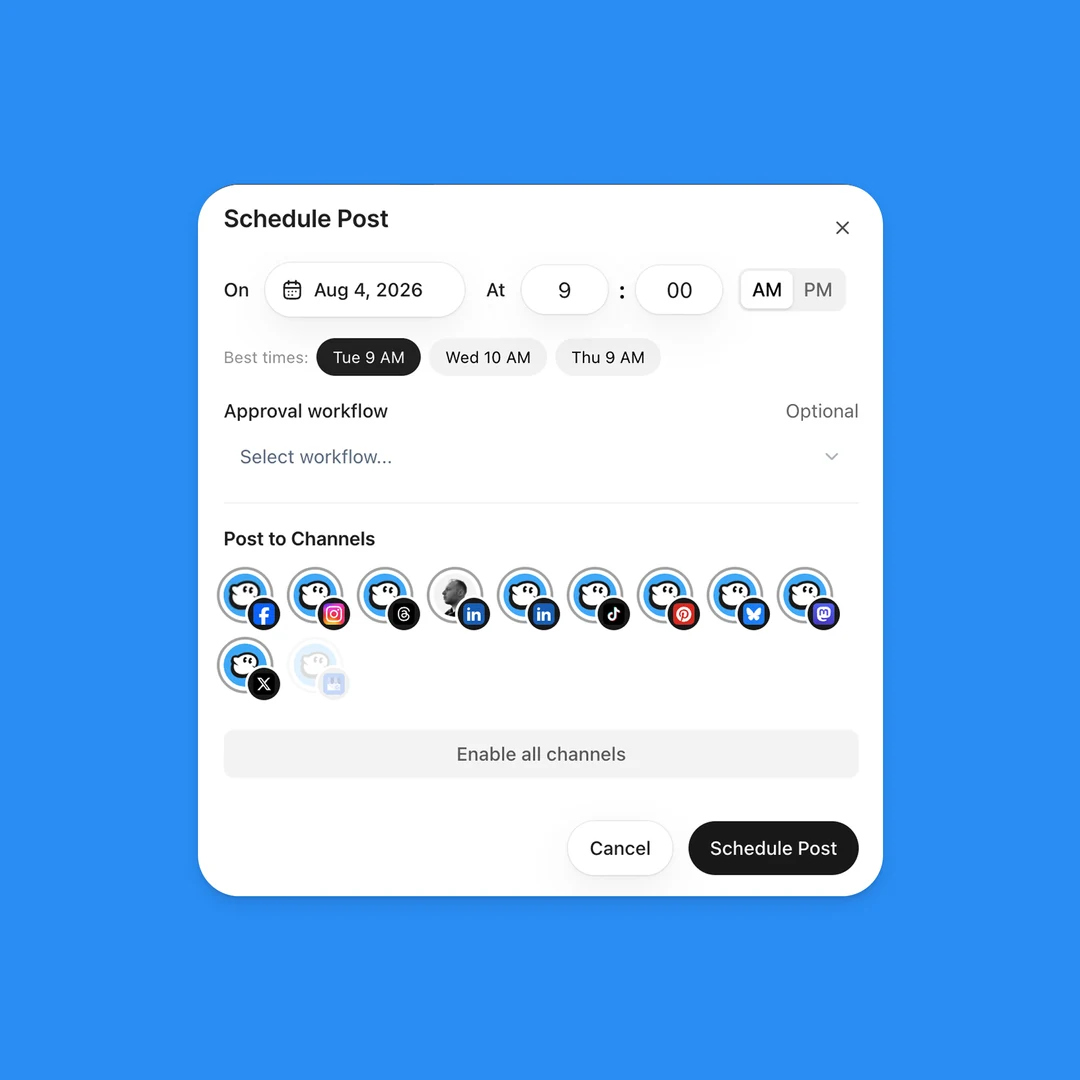
A follow-up DM after comment to DM
- 4 improved
Your comment to DM automation can now send one more DM, 1 to 23 hours after the link. Ask how the guide went, or share your booking link.

Your comment to DM automation can now send a second message. Open the automation, turn on Follow-up, write the message and pick when it goes out: 1, 3, 6, 12 or 23 hours after the link. You can add a link button under it, for example "Book a call".
Instagram and Facebook allow an automatic message only within 24 hours after the person taps a button or writes to you. Your first DM alone does not count. So on Instagram, a DM with a follow-up starts with a short message and a button ("Send me the link"). The tap sends your link and makes the follow-up possible. People who do not tap get no follow-up.
On Facebook, the follow-up goes to people who answer your DM in Messenger.
Improved
- Follow first works with it - with Follow first on, the follow tap is the tap. The follow-up goes out after the link.
- No follow-up in a live chat - when a team member answers the person by hand, the follow-up stays back.
- Activity - each person shows when the follow-up goes out, or why it did not.
- API, MCP and SDKs -
actions.follow_upon automations, and the npm MCP package is 1.58.0.