 Discord API for developers
The Discord API,without a bot
Post to your Discord channel with one REST call, through the channel’s own webhook: text, images and videos, polls, link buttons and forum posts. No bot to add or host. Schedule posts, then read the reactions per emoji and the poll votes.


Webhooksyour-app.com/hooks
post.scheduledpost 1024just now200
post.publishedpost 10192 h ago200
post.approvedpost 10193 h ago200
POST/v1/posts/createapplication/json
01{
02 "content": "New: Best times to post",
03 "channels": ["discord"],
04 "media_urls": ["https://cdn.example.com/best-times.png"],
05 "discord": {
06 "buttons": [
07 { "text": "Read the docs",
08 "url": "https://docs.omnisocials.com/api/analytics" }
09 ]
10 },
11 "schedule_at": "2026-10-22T18:00:00Z"
12}
Sending201 Created412 ms
Send13{
14 "data": {
15 "id": "1024",
16 "status": "scheduled",
17 "app_url": "https://app.omnisocials.com/create-post/1024"
18 }
19}
A request schedules a Discord post with a picture and a link button for Thu at 18:00; it appears in the OmniSocials calendar and OmniSocials sends the post.scheduled event to your app.








Your coding agent runs the same calls through the CLI
Skip the work around a webhook
A Discord webhook already posts for free: one POST to its URL. Everything around that call is yours to build: a scheduler and a queue, uploads under Discord’s 20 MB file limit, the poll, button and forum fields, retries when Discord answers 429, reading reactions back and noticing when someone deletes the webhook. OmniSocials does that part.
On your own
payload_jsonfiles[n]attachments
flagsallowed_mentionscomponents
pollthread_name
WebhookSchedulerUploadsBig filesPayloadReactionsReconnectsRetriesFirst postOn OmniSocials
Sign inAPI keyPOSTFirst postContinue with Discord makes the webhook for youEvery Discord format, one request
Text, images and videos, polls, link buttons and forum posts share one request shape. OmniSocials checks the post against Discord’s limits before anything is sent, so a post that breaks one fails in your request with the reason.

OmniSocials UpdatesAPPToday at 10:00
Sidebar update: new Home and Drafts tabs
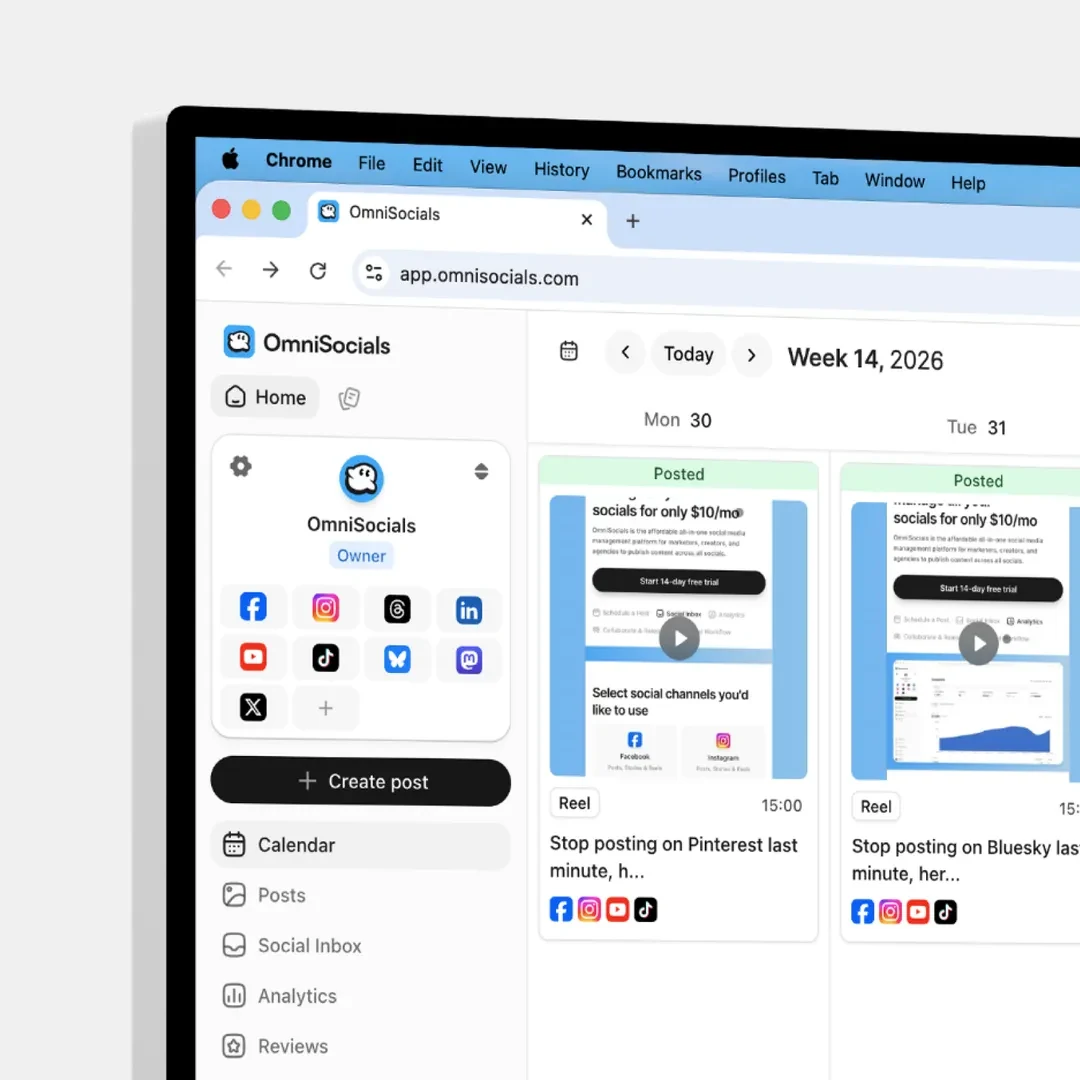
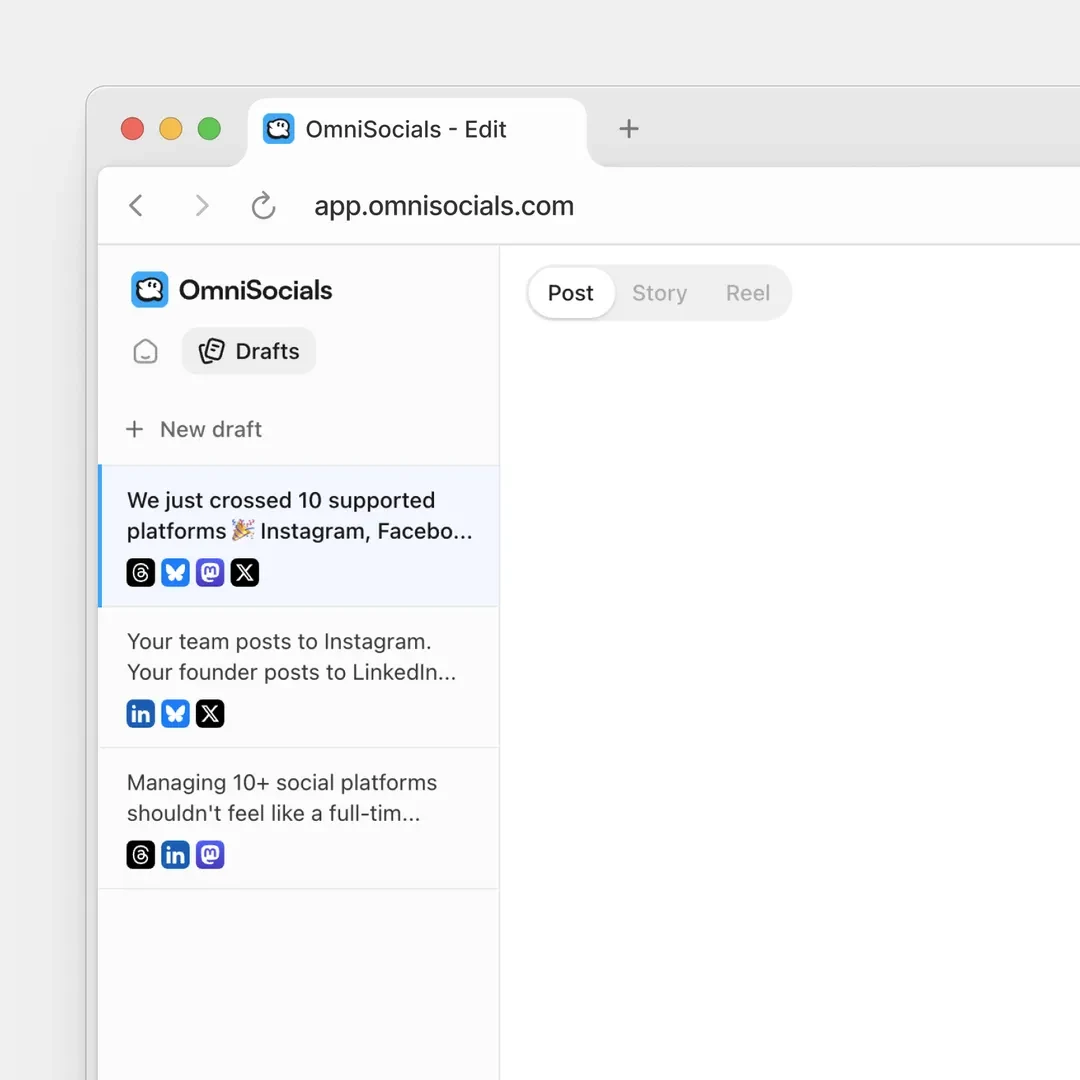
POST/v1/posts/create
01{
02 "content": "Sidebar update: new Home and Drafts tabs",
03 "channels": ["discord"],
04 "media_urls": [
05 "https://cdn.example.com/sidebar-1.png",
06 "https://cdn.example.com/sidebar-2.png"
07 ],
08 "discord": { "silent": true },
09 "schedule_at": "2026-10-25T10:00:00Z"
10}
201 Createdstatus: "scheduled"
Text and links
Up to 2,000 characters with Discord’s own Markdown: bold, italic, lists and masked links. Link previews show unless you turn them off.
contentdiscord.link_preview
Images and videos
Up to 10 images, GIFs and videos in one message, mixed as you like. Blur them as a spoiler, or send the message silently.
media_urlsdiscord.spoilerdiscord.silent
Polls, buttons, forum posts
A native poll whose question is the post text, up to 5 link buttons under the message, or a new forum post with its own title.
discord.polldiscord.buttonsdiscord.thread_name
Every Discord option in one object
Send it silently, keep @everyone from pinging, blur the media, turn off link previews, add link buttons, a poll or a forum post title. The discord object holds them all, and the app shows the same switches.
OmniSocials UpdatesAPPToday at 11:00
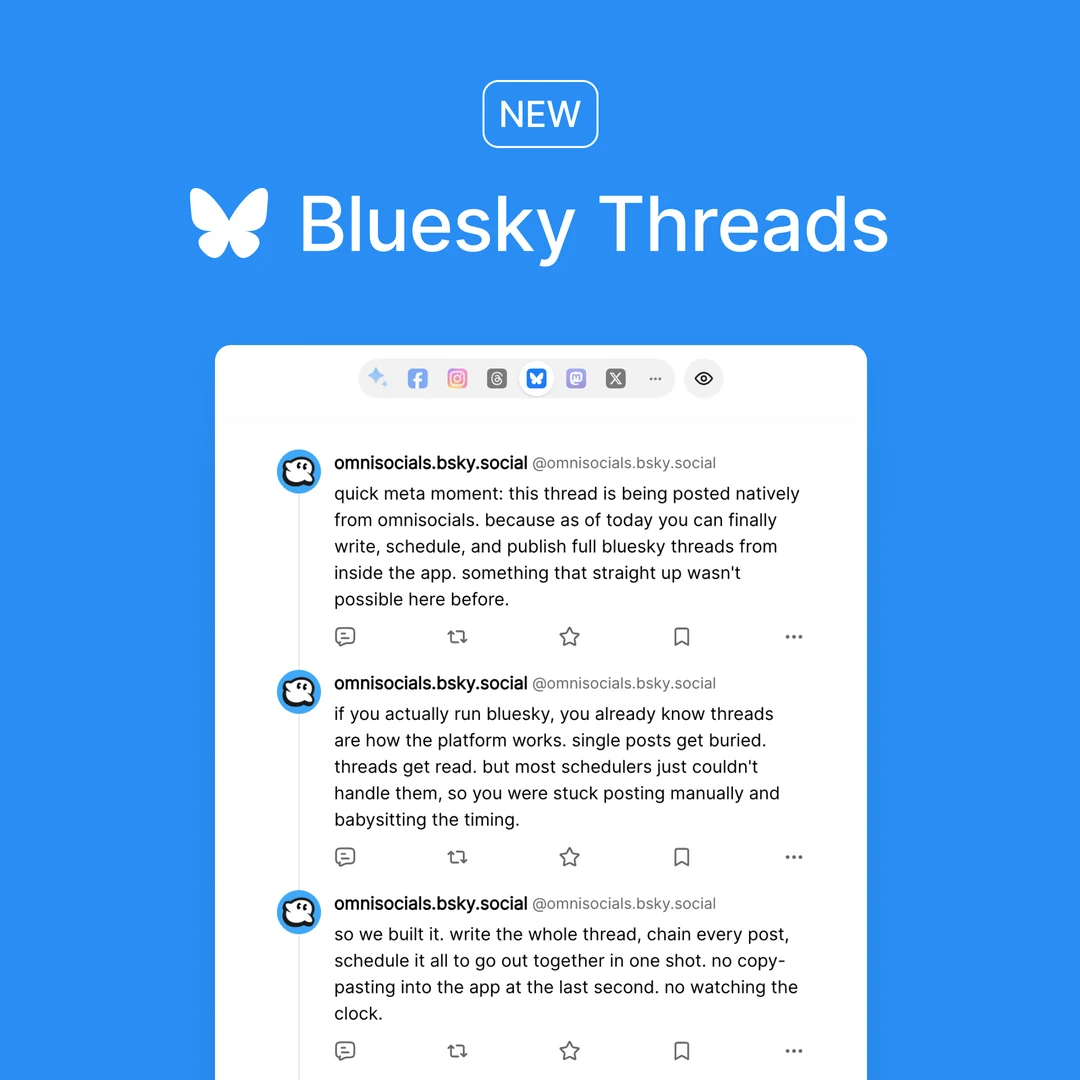
New: Bluesky threads
Read the docs
POST/v1/posts/createapplication/json
01{
02 "content": "New: Bluesky threads",
03 "channels": ["discord"],
04 "media_urls": ["https://cdn.example.com/bluesky-threads.png"],
05 "discord": {
06 "silent": true,
07 "link_preview": true,
08 "allow_mentions": false,
09 "spoiler": false,
10 "buttons": [
11 { "text": "Read the docs",
12 "url": "https://docs.omnisocials.com/platforms/bluesky" }
13 ]
14 },
15 "schedule_at": "2026-10-22T11:00:00Z"
16}
201 Created371 msstatus: "scheduled"
Mentions stay quiet
@everyone, @here, roles and users in the text notify nobody unless allow_mentions is true, so a scheduled post never pings a whole server by accident.
discord.allow_mentions
Polls and buttons
A poll takes 2 to 10 answers of up to 55 characters and runs 1 to 768 hours. Up to 5 buttons, labels of up to 80. A poll with buttons fails in your request with 400 validation_error.
discord.polldiscord.buttons
Forum posts
In a forum or media channel, thread_name (up to 100 characters) opens a new post with that title. A text channel gets the post without it, and result.warnings says thread_name_ignored.
discord.thread_nameresult.thread_id
One request with the discord object schedules a Discord post with a picture and a link button, sent silently with link previews on and mentions off; the OmniSocials composer shows the same options.
Big videos, sent as links
A webhook attaches files of up to 20 MB. Send a bigger video, up to 1 GB, and OmniSocials puts a link to it in the message, and Discord shows a player for it. The post then says what went as a link.
OmniSocials UpdatesAPPToday at 09:30
New: 1GB video uploads
Upload videos up to 1GB.
https://cdn.omnisocials.com/workspace-4127/1gb-uploads.mp4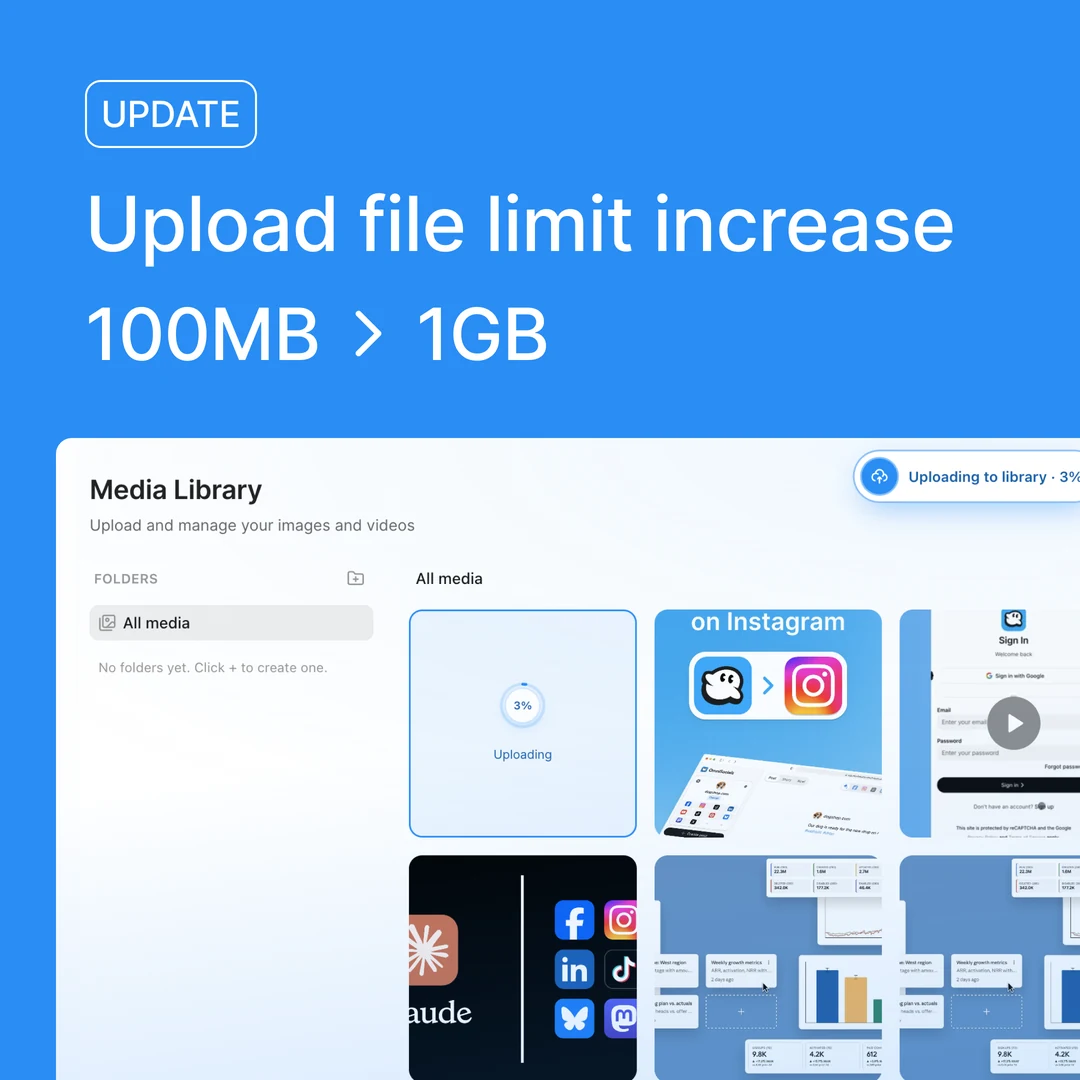
🔥21🎉14👀8
POST/v1/posts/create-and-publishapplication/json
01{
02 "content": "New: 1GB video uploads\nUpload videos up to 1GB.",
03 "channels": ["discord"],
04 "media_urls": ["https://cdn.example.com/1gb-uploads.mp4"]
05}
Authorization: Bearer $OMNISOCIALS_API_KEYSending201 Created402 msstatus: "posting"
1gb-uploads.mp4, 48 MBGET/v1/posts/1019
200 OK88 ms
01{
02 "data": {
03 "id": "1019",
04 "status": "published",
05 "discord": {
06 "result": {
07 "message_id": "1562397541700472323",
08 "sent_at": "2026-10-21T09:30:02.000Z",
09 "video_links": [
10 "https://cdn.omnisocials.com/workspace-4127/1gb-uploads.mp4"
11 ],
12 "link_message_id": null,
13 "warnings": ["media_sent_as_links"]
14 }
15 }
16 }
17}
Authorization: Bearer $OMNISOCIALS_API_KEY
Attached up to 20 MB
Images, GIFs and videos of up to 20 MB are attached to the message, up to 10 files in one. An image over 20 MB is re-encoded to a JPEG that fits.
media_urls
Bigger videos as a link
A video or GIF over 20 MB, up to 1 GB, goes as a link in the message, and Discord shows a player for it. Links that do not fit in 2,000 characters follow in a second message.
result.video_linksresult.link_message_id
Where it landed
discord.result holds the message id, when it went out and what was sent differently, such as media_sent_as_links. published_urls.discord links the message for members of the server.
discord.resultpublished_urls.discord
One request publishes a 48 MB video to a Discord channel: it is over the 20 MB a webhook attaches, so the message carries the text and a link to the video, which Discord plays; reactions come in per emoji, and GET /v1/posts/1019 returns the message id, the video link in video_links and the warning media_sent_as_links.
No bot, one webhook
Continue with Discord and pick the channel on Discord’s own screen, or paste a webhook URL from your server settings. No bot joins your server and no token expires. Then create an API key, and your code posts there.
OmniSocials
Name, icon, social channels and who can open this workspace.
GeneralMembersClientsApproval workflowsAPI
Workspace iconJPG or PNG, up to 2 MB.
Workspace nameOmniSocials
Social channels
The accounts this workspace posts to.
Connected

@omnisocials_
Instagram

@omnisocials_
Threads

OmniSocials
LinkedIn Page

@omnisocials_
X
Add a channel
DiscordA channel in your server FacebookPosts, Stories & ReelsLinkedIn ProfilePosts & Carousels
 YouTubeShorts
 TikTokVideos & Photo posts
 PinterestPins & Carousels
 BlueskyPosts & Threads
 MastodonAny server
 Google BusinessUpdates, Events & Offers
 TelegramChannels and groups
Coming soon



Danger zone
Delete workspace
Deletes this workspace with its posts, media and settings for good. This cannot be undone.
OmniSocials
Name, icon, social channels and who can open this workspace.
GeneralMembersClientsApproval workflowsAPI
API keys
Keys that can only reach this workspace.
| Name | Key | Last used | |
|---|---|---|---|
Claude | omsk_live_••••7c2e | Oct 20, 2026 |
GET/v1/accounts?platform=discord
200 OK88 ms
01{
02 "data": [{
03 "id": "4127_discord",
04 "needs_reconnect": false,
05 "platform_details": {
06 "guild_id": "1085140816021856279",
07 "guild_name": "OmniSocials",
08 "channel_id": "1085141723757277195",
09 "webhook_name": "OmniSocials Updates",
10 "connect_method": "oauth"
11 }
12 }]
13}
Authorization: Bearer $OMNISOCIALS_API_KEY
Two ways to connect
Continue with Discord makes the webhook for you; you need the Manage Server permission. Or paste a webhook URL from Server Settings, Integrations, Webhooks.
connect_method
Knows when the webhook is gone
If someone deletes the webhook or resets its URL, the account reads needs_reconnect with the reason, and you get an email. Reconnect with a new webhook.
needs_reconnectreauth_reason
Which server and channel
The accounts call returns the server and channel ids, the webhook name every post shows as its sender and, with Continue with Discord, the server name. Each workspace connects one channel.
GET /v1/accountsplatform_details
“I really like this app. I’ve tried quite a few other tools, but none of them managed to hit the sweet spot of simplicity and pricing the way Omnisocials does.”

Jens Schumacher
Co-founder of Released.so
Read what Discord gives a webhook
Reactions per emoji and poll votes, read back from your own messages. Discord gives a webhook no views, reach or member counts, so those read N/A in the app and the API leaves them out.
AnalyticsReports
All
Engagements
129
Published Posts
5
Impressions
N/A
Discord does not report views. Open the message in Discord to see who reacted.
Posts5Accounts8
Post | Channels | Impressions | Likes | Comments | Shares | Eng. rate | |
|---|---|---|---|---|---|---|---|
New: 1GB video uploads Oct 21, 2026 | | N/A | 43 | N/A | N/A | N/A | |
Light or dark: which theme do you use? Oct 20, 2026 | | N/A | 31 | N/A | N/A | N/A | |
 New: Mastodon threads Oct 20, 2026 | | N/A | 18 | N/A | N/A | N/A | |
 New: PDF uploads Oct 19, 2026 | | N/A | 15 | N/A | N/A | N/A | |
 New: Alt text on every image Oct 19, 2026 | | N/A | 22 | N/A | N/A | N/A |
GET/v1/analytics/posts/1016
Authorization: Bearer $OMNISOCIALS_API_KEY
200 OK143 ms
01{
02 "data": {
03 "post_id": "1016",
04 "platforms": {
05 "discord": {
06 "metrics": {
07 "likes": 31,
08 "reactions": { "👍": 19, "🔥": 12 },
09 "poll": {
10 "votes_count": 286,
11 "options": [
12 { "title": "Dark",
13 "votes_count": 148 },
14 { "title": "System",
15 "votes_count": 97 },
16 { "title": "Light",
17 "votes_count": 41 }
18 ]
19 }
20 }
21 }
22 }
23 }
24}
Reactions per emoji
likes is the total of every reaction, reactions the count per emoji, your server’s custom emoji included.
/analytics/posts/:idreactions
Poll votes
The votes per answer and the total, the same numbers the app shows next to the post.
metrics.poll
N/A, not zero
Discord reports no views, reach, replies or members to a webhook, so the app shows N/A there instead of a number it cannot know.
Under the hood
Built for production
Signed webhooks, automatic retries, SDKs in 8 languages and a key per workspace. Create a key and send your first request in minutes.


Discord’s rules, in one place
OmniSocials checks every post against them before it reaches Discord, so a post that breaks one fails in your request with the reason, not at publish time.
Text2,000 characters, most emoji count 2
FilesUp to 10 per message, mixed
ImagesUp to 40 MB, re-encoded above 20 MB
VideosMP4, MOV or WebM up to 1 GB
AttachedUp to 20 MB, larger goes as a link
Poll2 to 10 answers of up to 55 characters
Poll question300 characters, open 1 hour to 32 days
ButtonsUp to 5, labels of 1 to 80 characters
Forum post titleUp to 100 characters
ChannelsOne channel per workspace
RemovalFrom Discord at any time, in the app
Rate limit100 requests a minute per API key
Your first Discord post in three steps
About five minutes from sign-up to a scheduled post in your channel. Then hand the key to your coding agent.
Create an API key
Start your trial, open Settings, API and create a key. It is shown once.
Settings › APIStep 1
Connect your channel
Open Channels, add Discord and press Continue with Discord, or paste a webhook URL. Then list it from your code.
GET /v1/accountsStep 2
Send your first post
Post now with create-and-publish, or add schedule_at to plan it. Add the discord object for buttons, a poll or a forum post title.
POST /v1/posts/createStep 3
Frequently
Asked Questions

Robert LigthartFounder of OmniSocials
Ship your Discord
integration this week.
From $10 per seat a month, API included. 14-day free trial.
https://docs.omnisocials.com/