7 Best Apps Like Buffer for Social Scheduling (2026)
Buffer works fine until you add a fourth channel
That's usually the point where the per-channel pricing starts stacking up, and people start searching for apps like Buffer instead.
Not necessarily to replace it entirely. Usually to find something with more platforms, a flatter price, or a feature Buffer doesn't have, like a shared inbox.
I compared six of the most-recommended options head to head: OmniSocials, Later, Publer, SocialBee, Metricool, and Hootsuite. Buffer itself isn't on this list since it's the tool everyone's comparing against, not a contender.
What are the best apps like Buffer in 2026?
The strongest apps like Buffer are OmniSocials ($10/mo, 11 platforms, unified inbox), Later (best for Instagram/TikTok visuals), Publer (the most generous free plan), SocialBee (evergreen content recycling), Metricool (analytics and ad reporting), and Hootsuite (built for larger teams with approval chains).
Each fits a different use case, not one universal replacement.
Quick answer: the best apps like Buffer
If you don't have time to read the full comparison, here's the short version.
- Best overall value — OmniSocials. Flat $10/mo for 11 platforms, a unified inbox, and no per-channel fees.
- Best for Instagram and TikTok-first brands — Later. Strong visual calendar and Linkin.bio, capped at 8 platforms.
- Best free plan — Publer. 3 accounts, no credit card, permanently free.
- Best for evergreen content recycling — SocialBee. Category-based queues that reuse your best posts automatically.
- Best for analytics and ad reporting — Metricool. Combines scheduling with Google and Meta ads data.
- Best for large teams that need approval chains — Hootsuite. Expensive, but built for enterprise workflows.
How I evaluated these: I signed up for each tool's free trial or free plan, connected the same three test accounts (Instagram, LinkedIn, and X), and scheduled a week of posts through each dashboard. I weighed pricing transparency, platform count, editor usability, and whether the tool includes an inbox or just scheduling.
1. OmniSocials — best overall apps like Buffer for price and simplicity
OmniSocials is a social media management platform built around one idea: flat pricing shouldn't punish you for adding another channel.
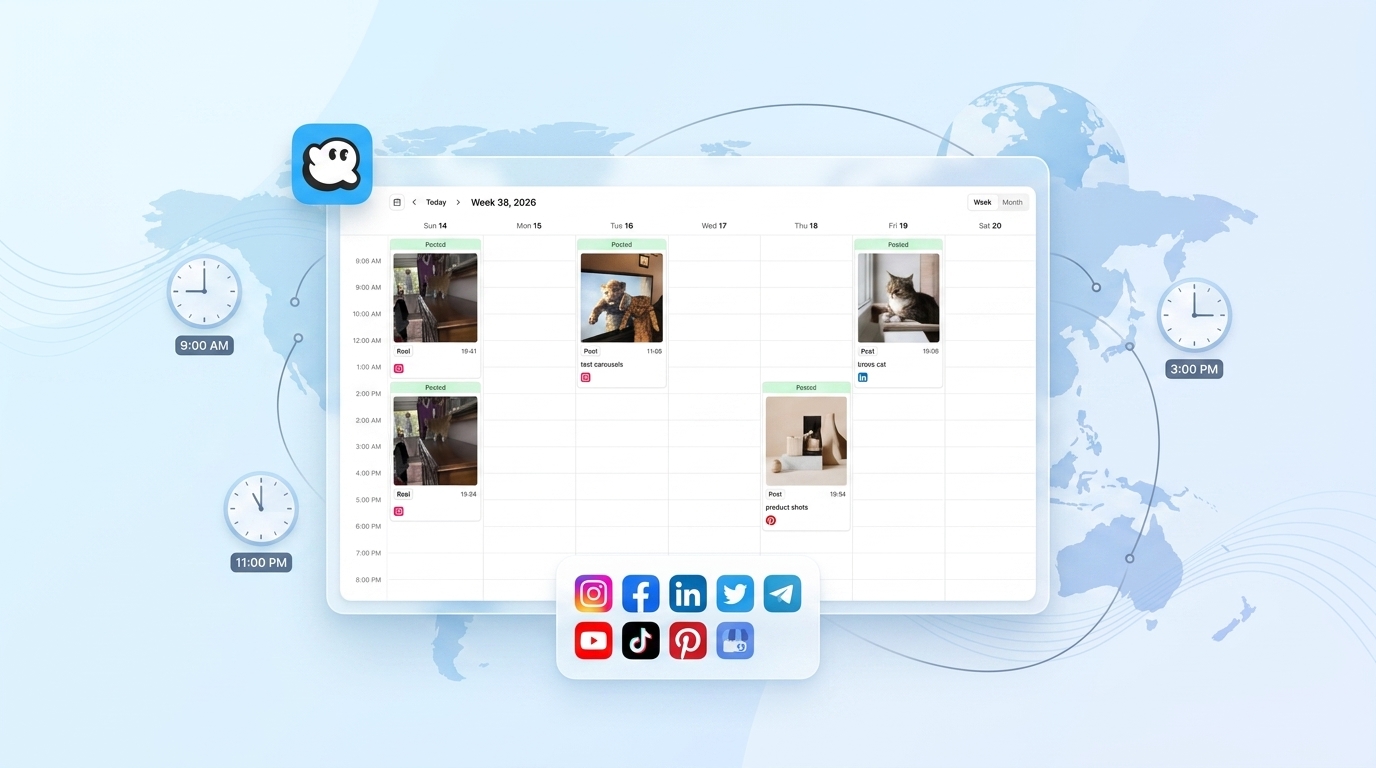
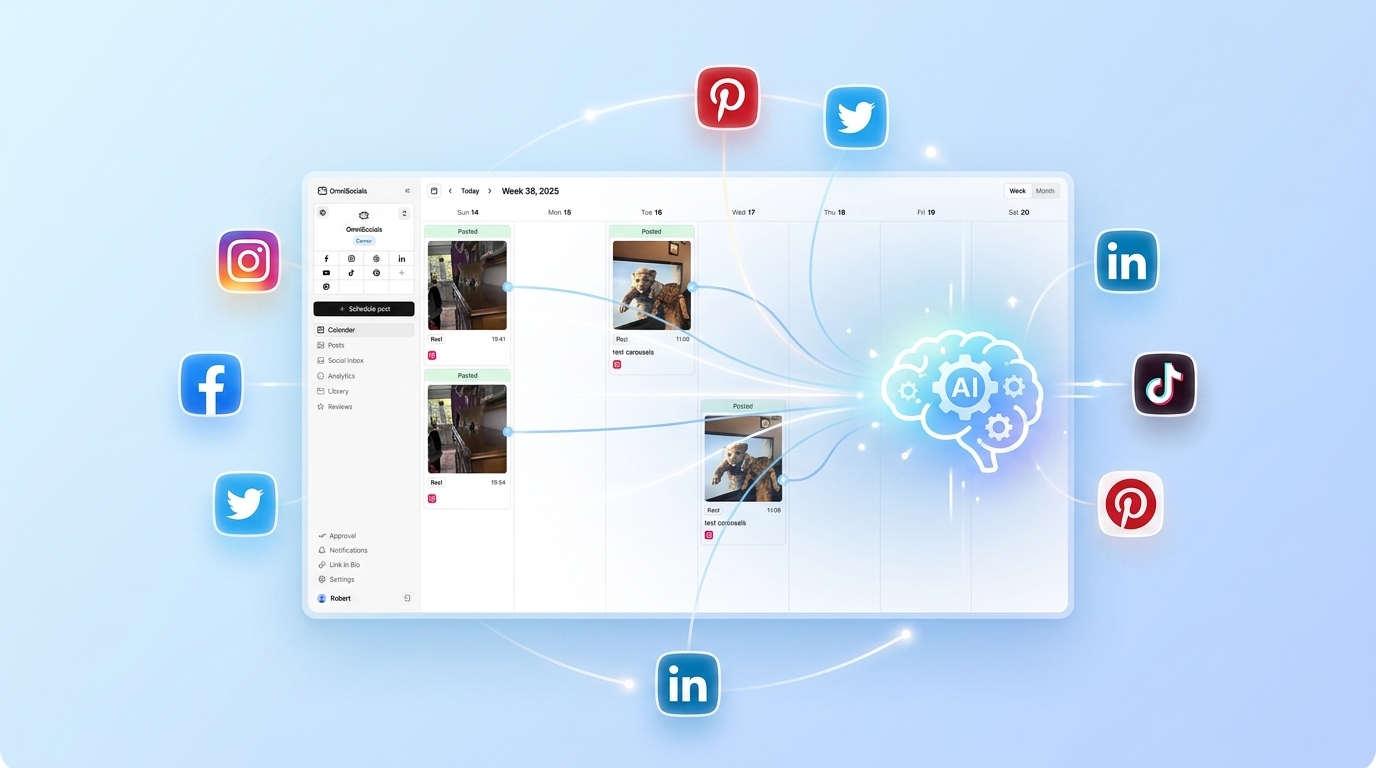
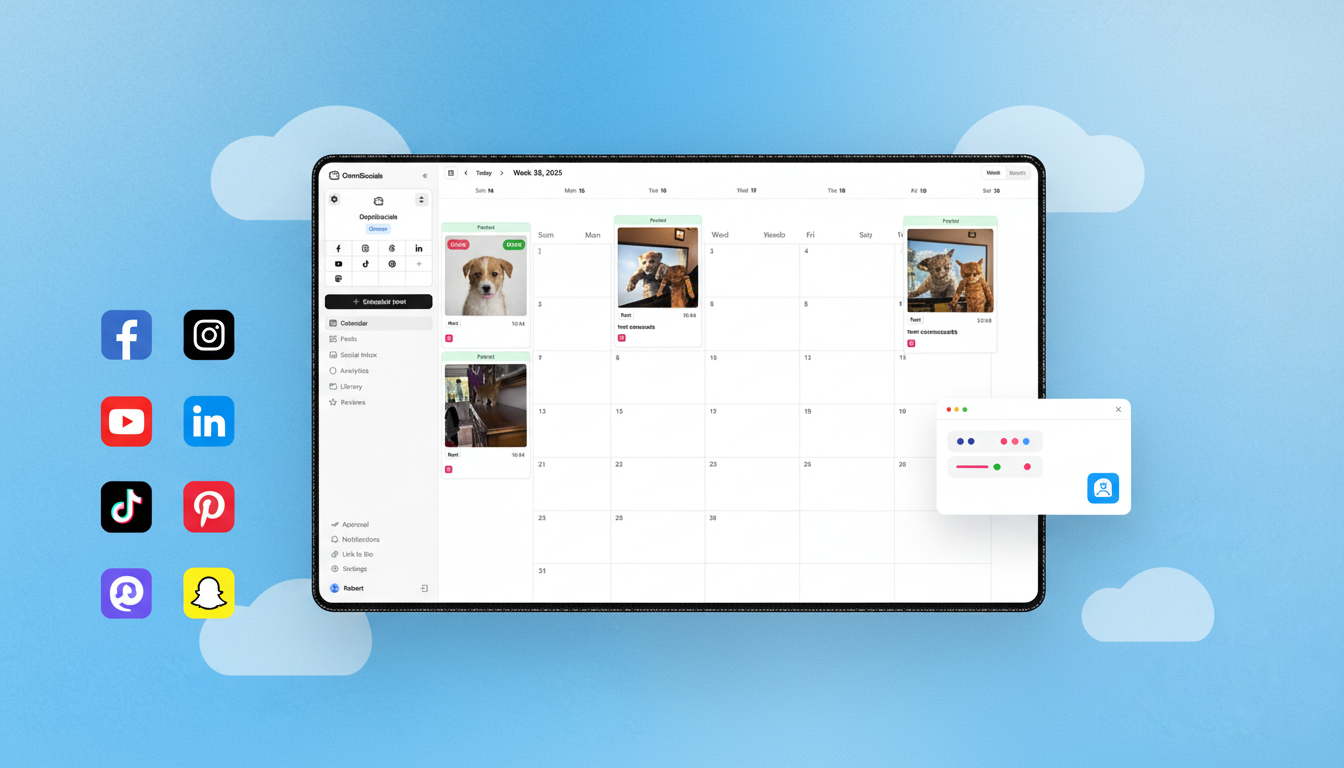
It supports 11 platforms, including Instagram, Facebook, LinkedIn, YouTube, TikTok, X, Pinterest, Bluesky, Threads, Mastodon, and Google Business Profile. That's more coverage than Buffer, Later, or Hootsuite offer at a comparable price.
What stood out most during testing was the unified inbox. Buffer doesn't have one at all, so replies and comments across platforms mean tab-switching. OmniSocials pulls DMs and comments into one screen, which matters if you're a solo founder or small team managing replies yourself.
Key features:
- Visual post editor with per-platform previews before you publish
- Unified inbox for comments and DMs across all connected accounts
- Built-in media library with Pexels and Unsplash search, so you're not bouncing between tabs for stock images
- Approval workflows for client or team review before a post goes live
- Link in Bio page builder included, not sold as a separate product
- Public API for custom integrations, included on every plan
Pros:
- Flat $10/mo covers every feature, no locked tiers
- More platforms than Buffer, Later, or Publer at this price
- Inbox and analytics included, not upsold as add-ons
- Extra team members or client seats cost $10/mo flat, not a percentage markup
Cons:
- No permanent free plan, only a 14-day trial
- Smaller third-party integration library than Hootsuite, since it's a newer platform
- No native mobile app yet. The web dashboard is responsive but not a dedicated app
Pricing: $10/mo per workspace billed annually, or $12/mo billed monthly. Extra users or client workspaces cost $10/mo each. 14-day free trial.
2. Later — best for Instagram and TikTok-first brands
Later built its reputation as a visual-first Instagram scheduler, and that focus still shows.
The drag-and-drop content calendar is genuinely good for planning a grid, and the Linkin.bio tool was one of the first of its kind. If your content strategy revolves around Instagram carousels and TikTok, Later's preview tools are hard to beat.
Platform coverage is where it gets tight. The Starter plan covers one "social set" (up to 8 profiles across Instagram, Facebook, Threads, Pinterest, TikTok, LinkedIn, YouTube, and Snapchat) and caps you at 30 posts per month per platform, according to Later's pricing page. There's no X support at all, and no Bluesky or Mastodon.
Key features:
- Visual content calendar with drag-and-drop rescheduling
- Linkin.bio page that turns your Instagram grid into clickable links
- Best Time to Post suggestions based on your account's own engagement data
- Instagram-first analytics, including hashtag and caption performance
Pros:
- Best-in-class visual planning for Instagram and TikTok
- Linkin.bio is more polished than most competitors' link-in-bio tools
- Clean, beginner-friendly interface
Cons:
- No X, Bluesky, or Mastodon support
- Starter plan caps posts at 30/month per platform, which fills up fast for active accounts
- No unified inbox for comments or DMs
- Extra social sets or AI credits aren't available until you upgrade off Starter
Pricing: $18.75/mo billed annually ($25/mo billed monthly) for the Starter plan, capped at 30 posts per profile per month. Growth runs $50/mo with a higher posting cap and team features, and Scale is $110/mo with unlimited publishing.
3. Publer — best free apps like Buffer option
If you're specifically searching for free apps like Buffer, Publer is the one worth trying first.
Its free plan covers 3 social accounts (X is excluded), 10 scheduled posts per account, 25 saved drafts, and a branded link-in-bio page, with no credit card and no expiry date. That's a real free plan, not a 14-day trial dressed up as one.
Once you outgrow it, the paid tiers stay relatively cheap. The Professional plan adds unlimited scheduling and more accounts, and Business layers in analytics and AI writing tools. Coverage is broad too. Publer connects to 11 core platforms plus Telegram and WordPress.
Key features:
- Free plan for 3 accounts with no time limit
- Bulk scheduling via CSV upload, useful for batch-planning a month at once
- Content recycling queues on paid plans
- Browser extension for scheduling directly from any webpage
Pros:
- Most generous permanent free plan on this list
- Broad platform coverage, including Mastodon and Google Business Profile
- Paid plans stay cheap even as you scale up accounts
Cons:
- Free plan excludes X entirely
- Analytics and AI features are locked behind the higher Business tier
- Interface feels more cluttered than OmniSocials or Later once you connect several accounts
Pricing: Free for 3 accounts. Professional starts around $12/mo billed annually. Business runs around $21/mo billed annually.
4. SocialBee — best for recycling evergreen content
SocialBee is built around a specific workflow: sort your content into categories, like "blog posts," "promotions," or "quotes," then let SocialBee cycle through them on a schedule you set once.
That's a genuinely different approach from Buffer's straight queue, and it's useful if you have a backlog of evergreen content you want resurfacing without manually re-scheduling it every few weeks.
The catch is the entry price. The Bootstrap plan runs $29/mo for 5 channels and a single user, more than double OmniSocials' starting price for fewer platforms.
Key features:
- Category-based posting that automatically recycles evergreen content on a loop
- AI content generation for captions, included even on the entry plan
- Canva integration for building graphics without leaving the dashboard
- Unified inbox for replies and comments
Pros:
- Content recycling saves real time if you publish a lot of reusable content
- AI caption generation is unlimited even on the cheapest plan
- Solid onboarding for people new to scheduling tools
Cons:
- $29/mo entry price for just 5 channels is steep next to OmniSocials or Publer
- 10-channel plan jumps to $49/mo
- Category management has a learning curve if you're used to a simple queue
Pricing: Bootstrap is $29/mo for 5 channels and 1 user. Accelerate is $49/mo for 10 channels. 14-day free trial, no card required.
5. Metricool — best for analytics and ad reporting
Metricool leans harder into analytics than any other tool on this list, and it's the only one that pulls paid ad performance in alongside organic scheduling.
If you're already running Google Ads or Meta Ads and want that data next to your organic posting calendar instead of a separate dashboard, Metricool covers a gap that Buffer, Later, and Publer don't touch.
The free plan is limited to 1 brand, with a monthly post cap that Metricool has adjusted over time (check their pricing page for the current number), which is fine for testing but tight for anything beyond a single small account.
Key features:
- Combined organic and paid analytics, including Google Ads and Meta Ads reporting
- Competitor tracking to benchmark your posting frequency and engagement
- Heatmap for best posting times based on your audience's actual activity
- Link-in-bio and landing page builder
Pros:
- Analytics depth beats every other tool here, including OmniSocials
- Ads reporting alongside organic content is a genuine differentiator
- Free plan exists for testing before you commit
Cons:
- Free plan caps at 1 brand and a limited number of posts/month
- Scheduling and content calendar UX feels secondary to the analytics side
- Paid plans range $18-45/mo depending on brand and post volume needed
Pricing: Free for 1 brand with a capped monthly post count. Paid plans start around $20/mo (Starter) and go up to around $45/mo (Advanced) for more brands and posts. X/Twitter accounts cost extra on every paid tier.
6. Hootsuite — best apps like Buffer for large teams
Hootsuite is the oldest name on this list, and it shows in both directions. It has the deepest third-party integration library and the most mature approval workflows, but it's priced for teams, not solo users.
The entry-level Standard plan starts at $99/mo for a single user and 10 social profiles, with a Professional tier at $199/mo and Advanced at $399/mo for teams that need more seats and approval layers. That's roughly 10x OmniSocials' starting price for one fewer platform. Hootsuite makes more sense once you're managing multiple approvers, a content library shared across departments, or need compliance documentation for a client.
Key features:
- Team approval chains with role-based permissions
- Bulk composer for scheduling large batches of content at once
- Streams dashboard for monitoring mentions, keywords, and hashtags in real time
- Deep integration library, including Salesforce and Adobe Express
Pros:
- Most mature approval and permission system for larger teams
- Broadest third-party app integrations
- Strong social listening tools beyond basic scheduling
Cons:
- $99/mo for a single user is expensive next to every other tool on this list
- Interface feels dated compared to newer tools like OmniSocials or Later
- Steeper learning curve, not built for someone who just wants to schedule posts
Pricing: Standard is $99/mo for 1 user and 10 social profiles. Professional runs $199/mo, Advanced $399/mo, both billed per seat. 30-day free trial.
Apps like Buffer: quick comparison table
| Tool | Starting Price | Platforms | Free Plan | Best For |
|---|---|---|---|---|
| OmniSocials | $10/mo | 11 | 14-day trial | Overall value |
| Later | $18.75/mo | 8 | No | Instagram/TikTok visuals |
| Publer | Free | 11 + Telegram, WordPress | Yes, 3 accounts | Free apps like Buffer |
| SocialBee | $29/mo | 5 (10 on higher tier) | No, 14-day trial | Content recycling |
| Metricool | Free / $18/mo | 1 brand free | Yes, limited | Analytics + ad reporting |
| Hootsuite | $99/mo | 10 | No, 30-day trial | Large teams |
So, which app should you pick?
The right pick depends more on what you're already doing than on which tool has the longest feature list.
If you want the best all-around replacement for Buffer at a lower price with more platforms, OmniSocials is the straightforward pick. Flat $10/mo, 11 platforms, and an inbox Buffer doesn't offer at any price.
If your content strategy lives and dies on Instagram Reels and TikTok, Later's visual calendar is worth the higher starting price, as long as you don't need X or Bluesky.
If budget is the only constraint right now, start with Publer's free plan. You can outgrow it later without losing your scheduled content or history.
If you're sitting on months of evergreen content you want resurfacing automatically, SocialBee's category system does something none of the others do well.
If ad spend is a bigger part of your reporting than organic posting, Metricool's combined view saves you a second dashboard.
If you're managing a team with formal approval chains and the budget to match, Hootsuite is built for exactly that. Everyone else on this list is built for smaller teams first.
Whichever you pick, the fact that you're looking at apps like Buffer at all usually means one thing: per-channel pricing stopped making sense once you passed 3 or 4 platforms. Every tool on this list, including Buffer's own higher tiers, gets more expensive as you scale. Check the per-channel or per-seat math before you commit, not just the advertised starting price.
Frequently Asked Questions
What is the closest free app to Buffer?
Publer has the most usable free plan among Buffer-style tools. It covers 3 social accounts, 10 scheduled posts per account, and a branded link-in-bio page at no cost, with no credit card required.
Is there a free alternative to Buffer?
Yes. Publer and Metricool both offer permanent free plans. Publer's free tier covers 3 accounts, and Metricool's covers 1 brand with a capped number of posts per month (Metricool has changed this limit over time, so check their current plan page). Both are more generous than Buffer's own free plan, which caps out at 3 channels and 10 posts per channel.
What do most small businesses use instead of Buffer?
Small businesses commonly move to OmniSocials or Publer, since both use flat, low pricing instead of Buffer's per-channel model. OmniSocials starts at $10/mo for 11 platforms with no per-channel add-on fees.
Do apps like Buffer include an Instagram scheduler?
Most do, including auto-publishing for Reels and carousels, not just reminders to post manually. OmniSocials, Later, Publer, SocialBee, and Metricool all support direct Instagram publishing without a push notification workaround.
Which apps like Buffer support the most platforms?
OmniSocials and Publer both cover 11 platforms, including newer networks like Bluesky, Threads, and Mastodon that Buffer and Later don't fully support. Hootsuite and SocialBee top out around 10 platforms on their higher tiers.
Sources
- Later Pricing — official pricing and platform limits for Later's Starter, Growth, and Scale plans
- Publer Pricing — official pricing for Publer's Free, Professional, and Business tiers
- SocialBee Pricing — official pricing for Bootstrap and Accelerate plans, channel limits
- Metricool Pricing — official pricing for Free, Starter, and Advanced plans
- Hootsuite Pricing — official pricing for Professional and Team plans
- OmniSocials Pricing — official pricing and platform list for OmniSocials
- OmniSocials API Documentation — full API reference for developers building custom workflows on top of any plan